44
English
Other Multi-Media Connections
Using the multi-media menu, you can copy les directly to the projector or mirror
the screen of your portable device.
Project Files from the Built In Memory
Follow these steps to project files from your PC:
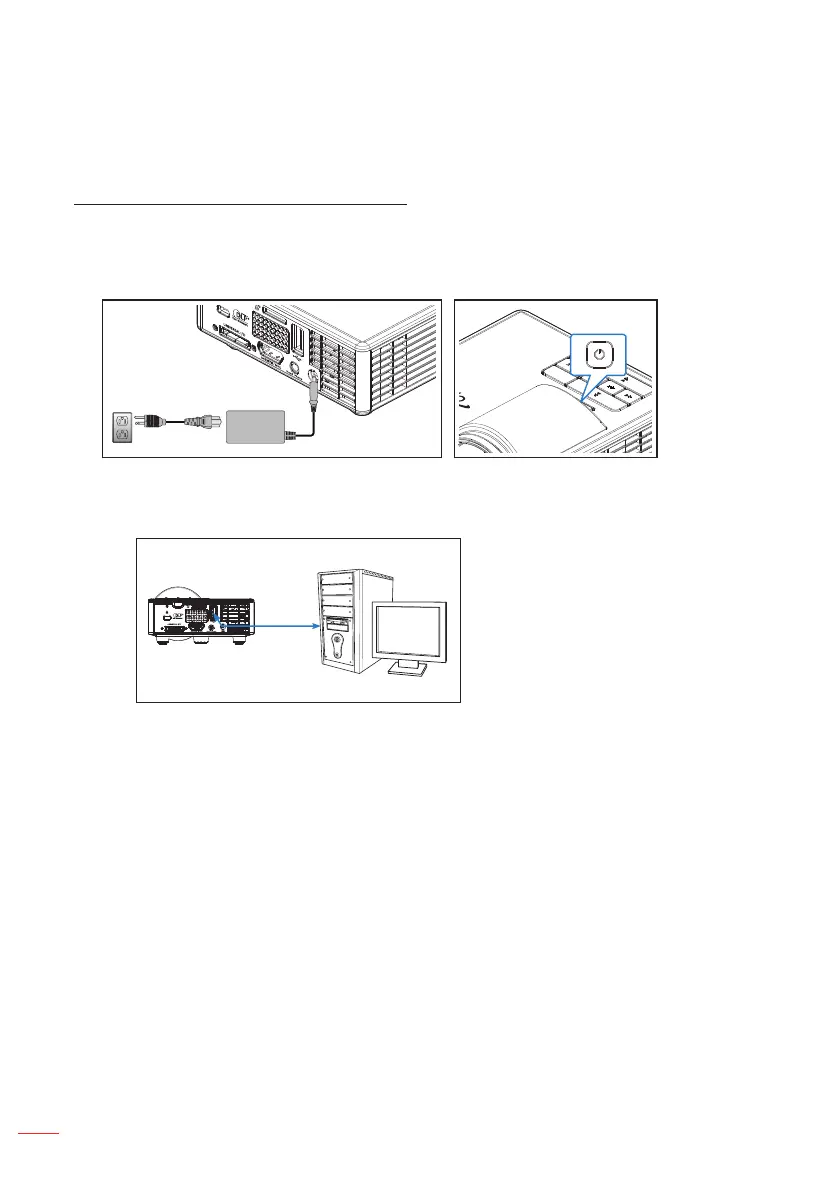
1. Connect the power cable with AC adapter and turn on the projector by pressing the
Power button.
2. To access files from the hard disk of your PC, plug in one end of a USB-A cable to
your PC and the other end of the USB cable to the projector.



 To Next Page