37
English
How to set-up File Type for Multi-Media with Internal Memory
Note: A microSD card must be plugged into the projector if you want to use the multimedia microSD
function.
Follow these steps to playback the Photo, Video, or Music files on your projector:
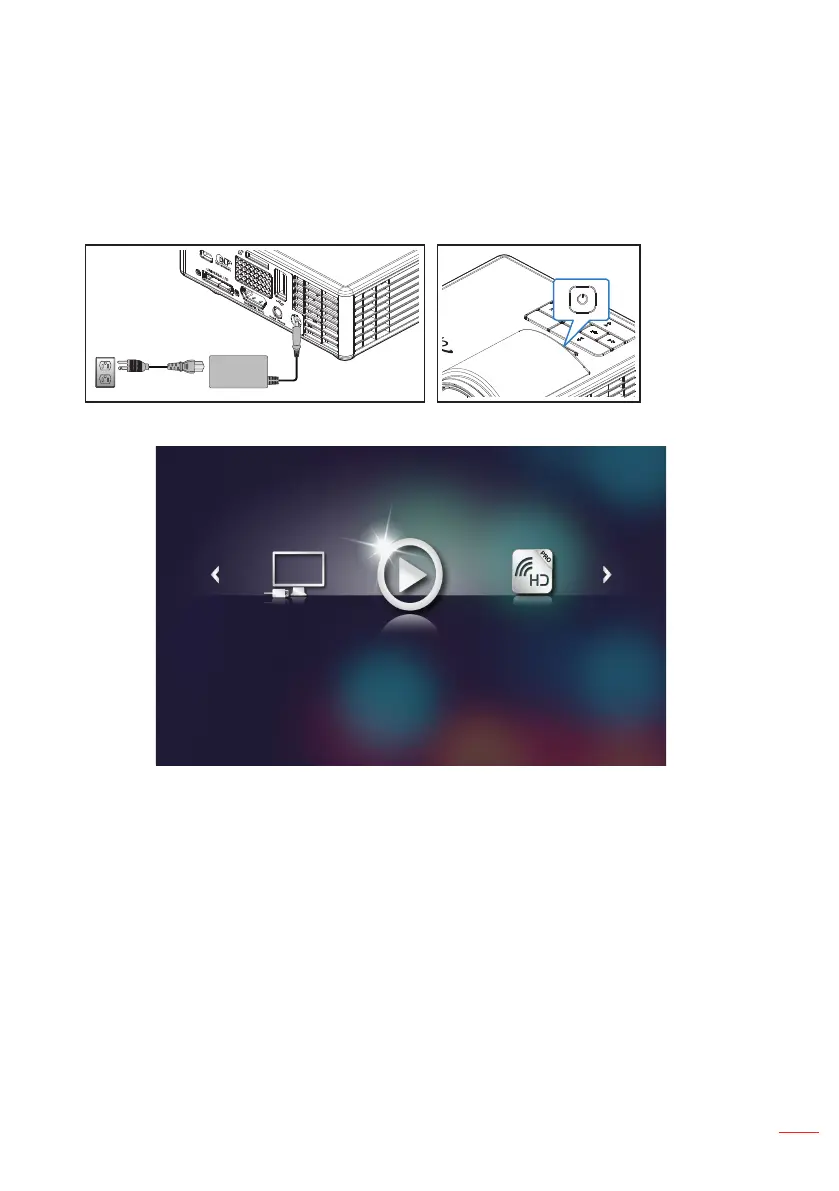
1. Connect the power cable with AC adapter and turn on the projector by pressing the
Power button.
The Multi-Media menu opens.
HD Media
Note: To open the Main Menu, press the Menu button on the remote control or long press for 1
second the Menu button on the control panel of the projector.



 To Next Page