36
English
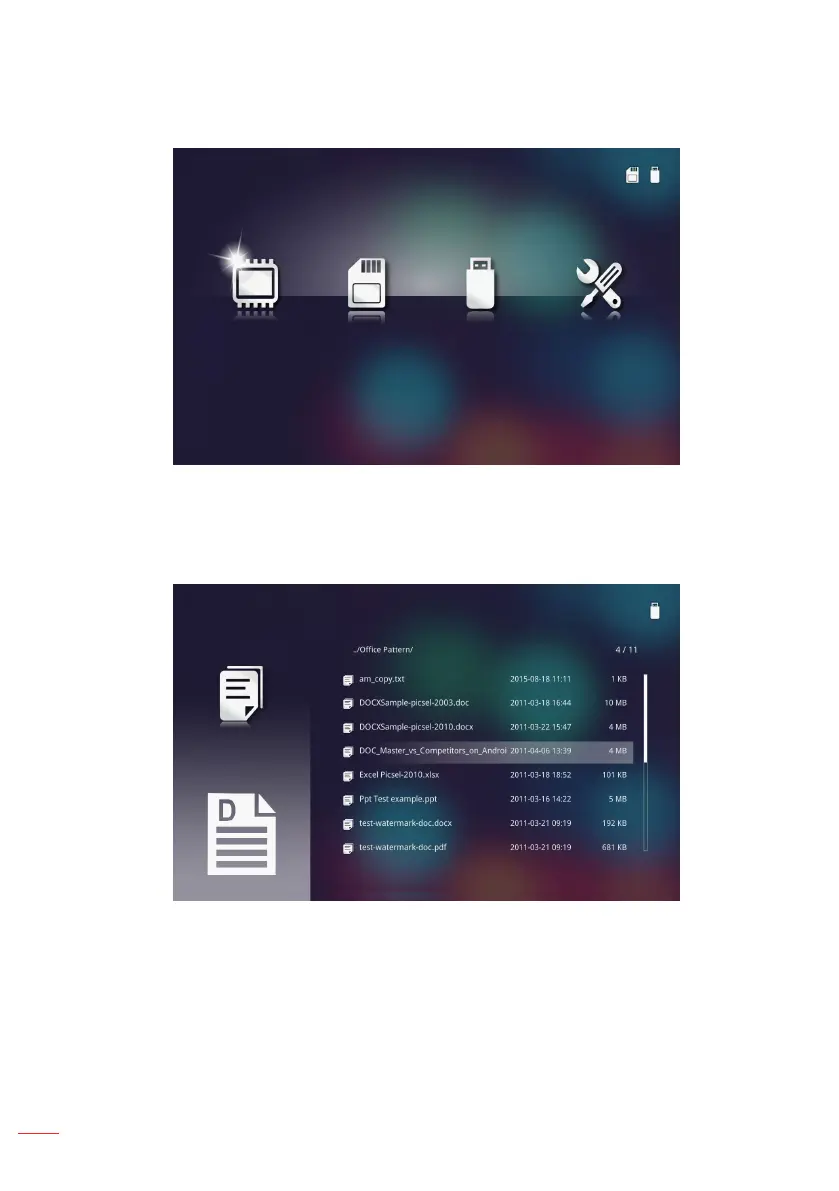
3. Select the HD Media menu.
The HD Media menu opens.
Internal Memory SD Card USB Settings
4. Access the SD Card menu and select the multimedia files: Photo, Video, or Music.
Or select the Settings option to change settings for Photo, Video, or Music.
5. Select the file you want to open.
Ofce viewer
Note: The maximum allowed le name length is 28 characters.



 To Next Page