27
English
Auto Focus:
Select
On to
automatically adjust the image focus.
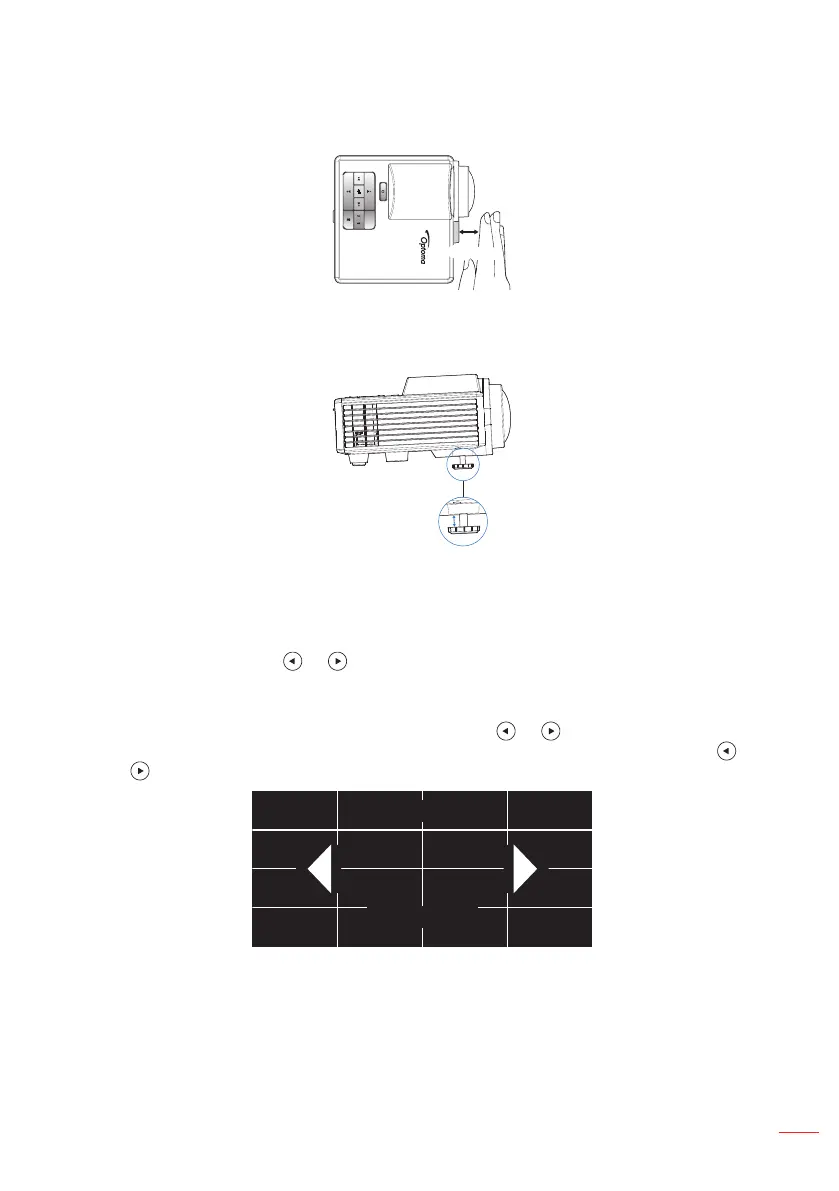
Note1: If the projected image is unclear, please cover the sensor in front of the projector (less than
3cm) for one second and then release it. The projector adjustment will be reset to zero.
< 3cm
Note2: If the projected image is still unclear after performing the zero adjustment, please rotate
the front tilt adjustment wheel to raise the projector to the desired display angle, and then
reset the projector adjustment to zero.
Note3: If the projected image is still unclear after performing above two steps, you have to adjust
the image focus manually. To access the calibration screen for manual adjustment, do one
of the following:
- Select Manual Focus from the OSD menu (Display > Manual Focus).
- Press and hold the or button on the control panel/remote control.
Manual Focus:
Adjust the image focus manually when Auto Focus option is off.
Note: When the calibration screen appears, long press the or button on the control panel/
remote control to perform the coarse focus adjustment rst, and then short press the or
button to ne-tune your focus.
Focus
0



 To Next Page