46
English
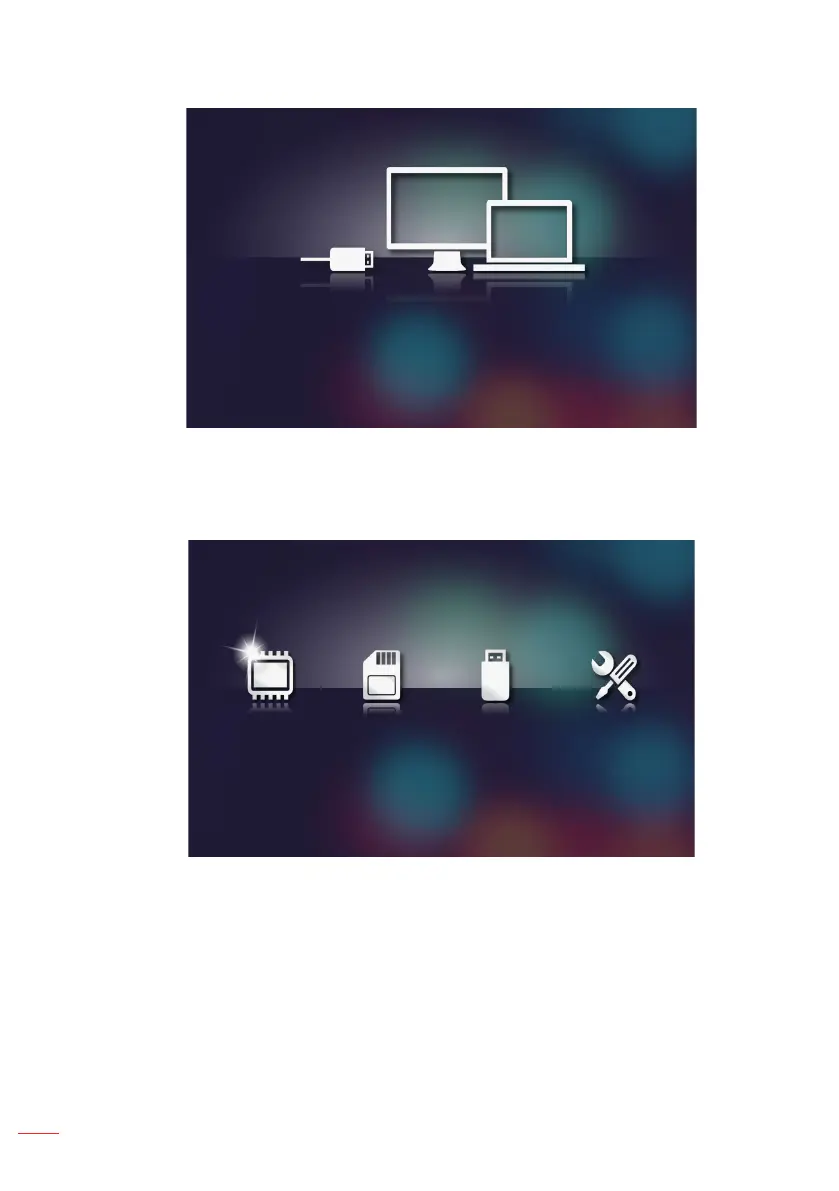
The Connect to PC menu opens.
4. You will see the projector’s internal memory on your PC. Then copy the files from
your PC into the projector’s internal memory.
5. Select the HD Media > Internal Memory menu and select the file you want to
project on the wall.
Internal Memory SD Card USB Settings
Tip: In Windows 10 and Mac OS 10.9, you can also save les from your PC directly to the
projector’s internal memory or to the micro SD card that has been inserted into the
projector.



 To Next Page