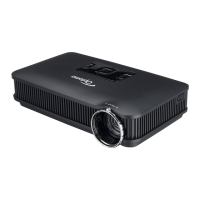
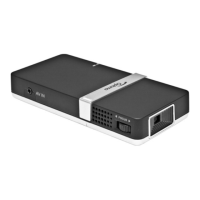
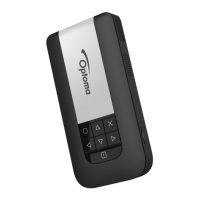
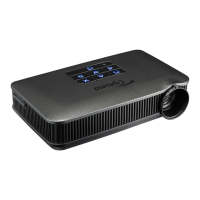
PK201
Condential
4-1
Chapter 4
Function Test&Alignment Procedure
4-1 Test Equipment Needed
- DVD player with Multi-system (NTSC/PAL)
- Minolta CL-100
- Equipped "Component", "S-Video" , "Composite"
- Quantum Data 802B or CHROMA2327 (Color Video Signal & Pattern Generator)
- Remote control (P/N: 45.89Z01G001 only for PK201 test using)
- PK201 24P to VGA-M (P/N: 42.0020AG001)
- Mini JACK-M to 3*RCA-F R/W/Y cable (P/N: 42.00237G001)
4-2 Service Mode
1. Turn on the projector
2. Do the following actions sequentially to get into service mode
- Press "Left Left -> Right Right -> Down Down -> Up Up" on the projector.
- Service mode will be shown
- After conrming the congutation, press "menu" to exit.
4-3 System Reset
After nal QC step,we have to erase all saved change. The following actions will allow you
to erase all end-users’ settings and restore the default setting:
- Get into service mode.
- Press “right“ and then choose “system reset“ at the bottom of the menu.


 To Next Page