PK201 Condential
5-2
5-2 Firmware Upgrade
ProcedureProcedure
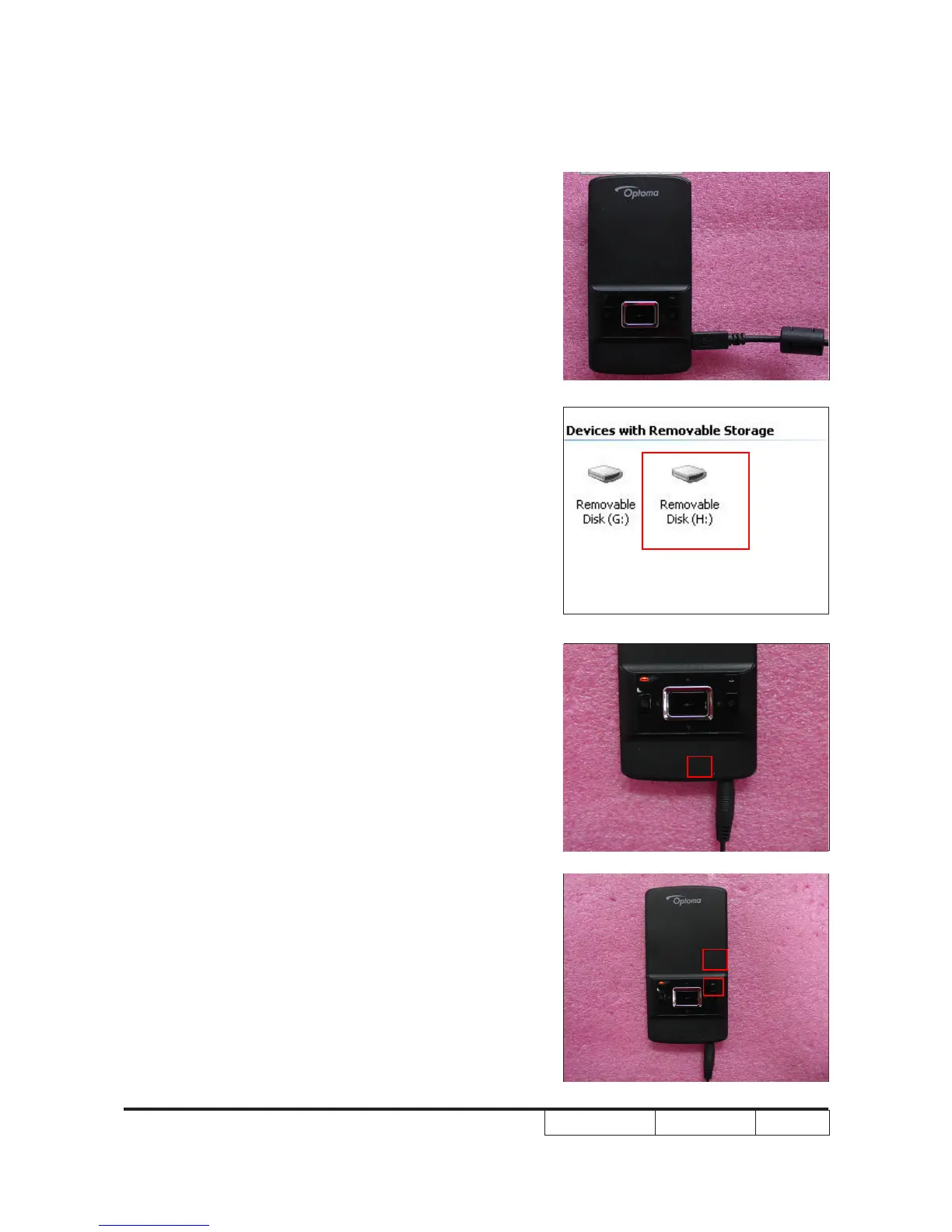
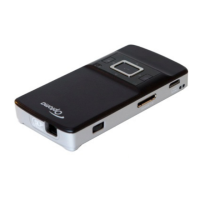
1. Insert Micro SD card into the projector and
connect it to PC by USB Male cable.
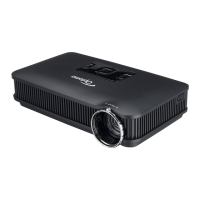
2. There are two removable Disk in
"My Computer" .Copy rmware
"PK201_FW_MSTUPUP. BIN "
,"PK201_FW_AMAMUPUP.BIN" to
the second removable Disk.Then unplug
the USB Male cable.
3. Process
(1) Insert Power adapter into PK201.
(2) Press the power button to turn on the
projector.
(1)
(2)


 To Next Page