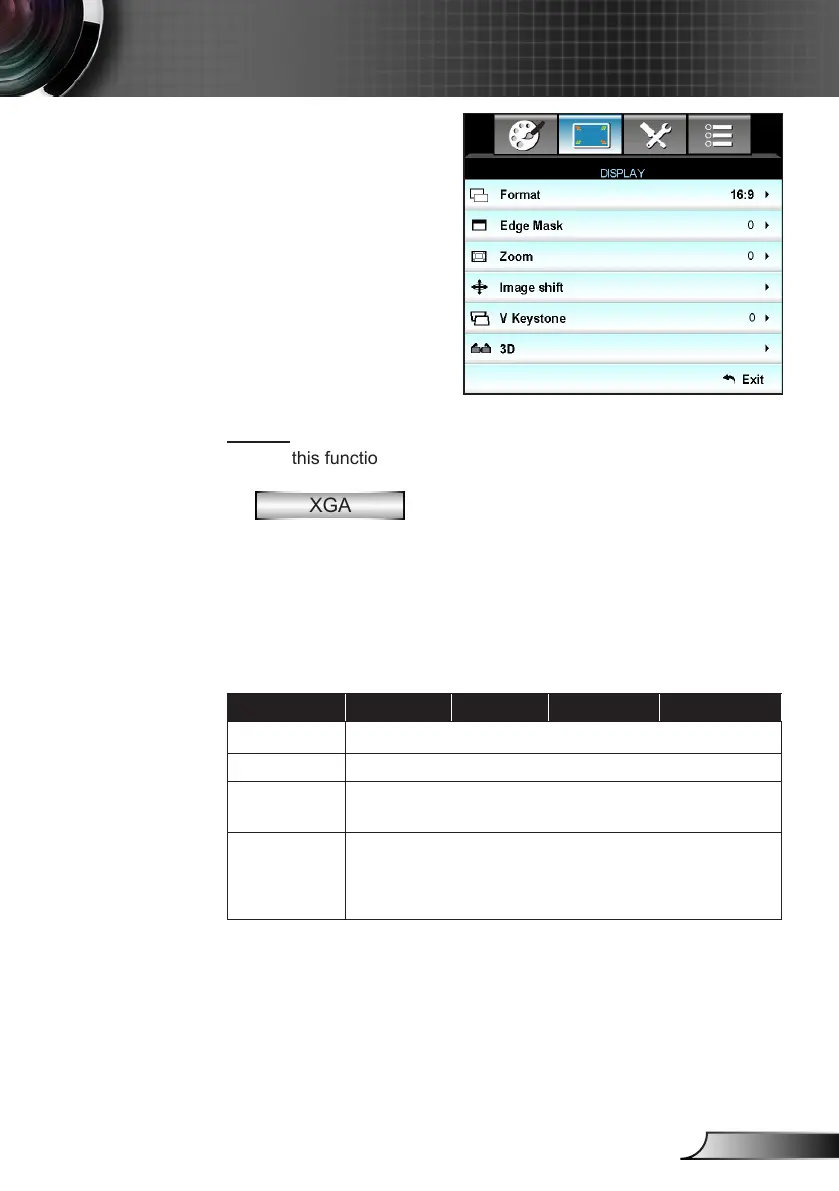
DISPLAY
Format
Use this function to choose your desired aspect ratio.
XGA
4:3: This format is for 4:3 input sources. `
16:9: This format is for 16:9 input sources, like HDTV and ` DVD
enhanced for Wide screen TV.
Native: This format displays the original image without any `
scaling.
AUTO: Automatically selects the appropriate display format. `
Source 480i/p 576i/p 1080i/p 720p
4:3 Scale to 1024 x 768
16:9 Scale to 1024 x 576
Native
No scaling will be made; the resolution is dependent on
which input source and is then displayed.
Auto
If source is 4:3, it will be auto resized to 1024 x 768 `
If source is 16:9, it will be auto resized to 1024 x 576 `
If source is 15:9, it will be auto resized to 1024 x 614 `
If the source is 16:10, it will be auto resized to 1024 x 640 `



 To Next Page