SETUP |
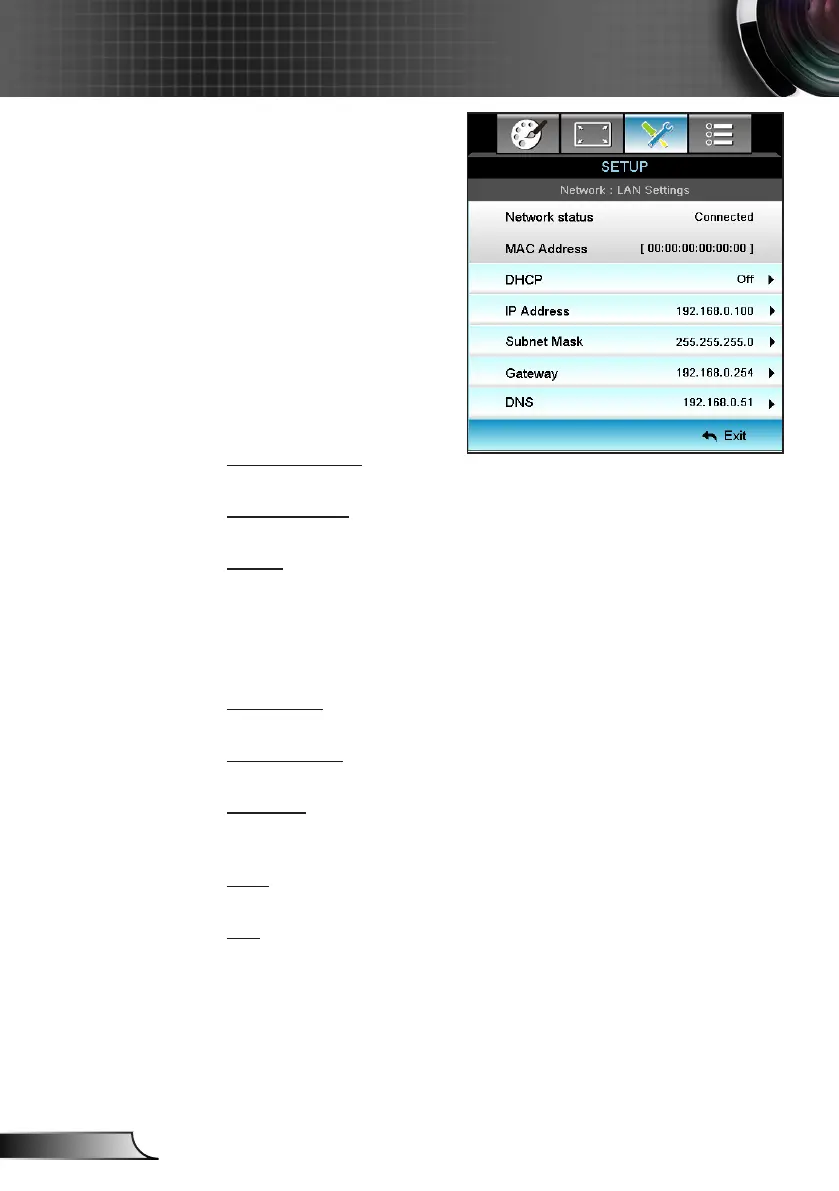
Network|LAN
Settings
Network Status
Display the network connection status (read-only).
MAC Address
Display the MAC address (read-only).
DHCP
On: Projector will obtain an IP address automatically from your `
network.
Off: To assign IP, Subnet Mask, Gateway and DNS `
conguration manually.
Exiting OSD will automatically apply the entered values.
IP Address
Display the IP address.
Subnet Mask
Display subnet mask number.
Gateway
Display the default gateway of the network connected to the
projector.
DNS
Display DNS number.
Exit
Choose “Exit” to exit the menu.



 To Next Page