Change Password
First time: `
Press “Enter” key to set the password.1.
The password has to be 4 digits. 2.
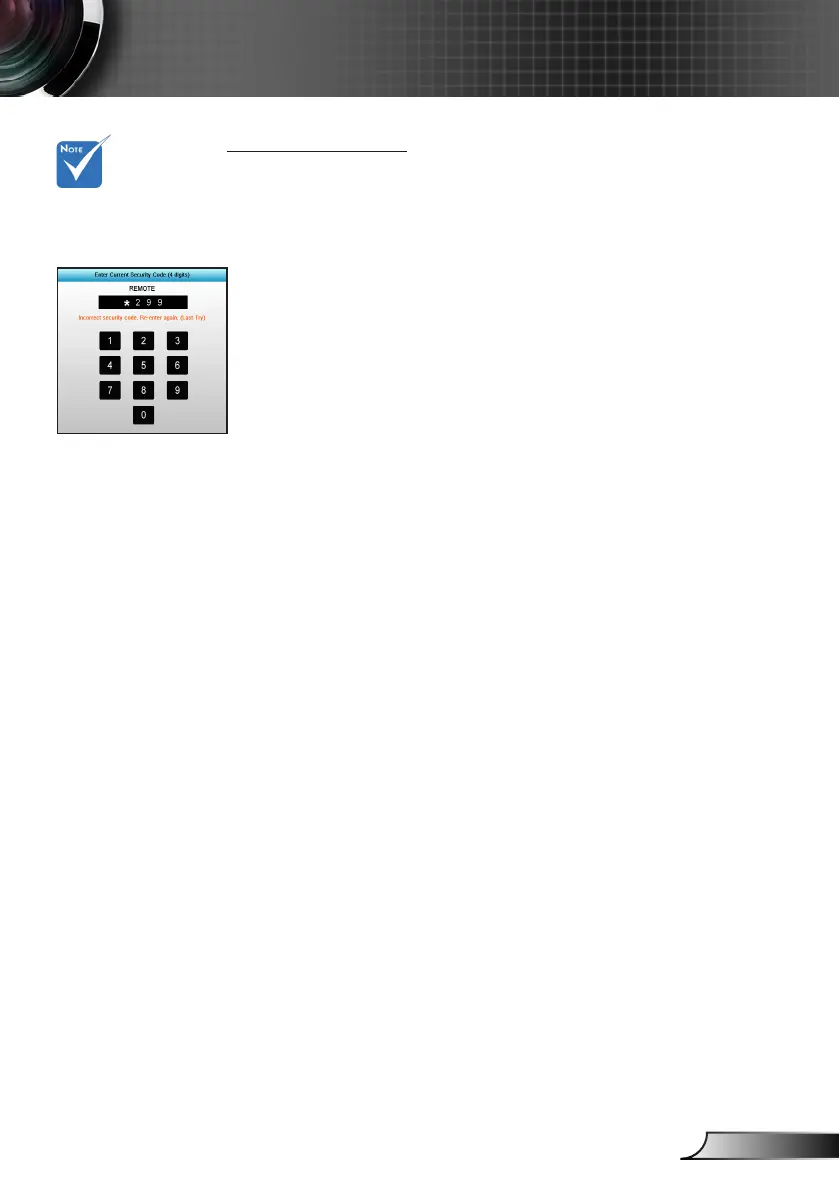
Use number button on the remote or on-screen numeric key-3.
pad to enter your new password and then press “Enter” key to
conrm your password.
Change Password: `
(If your remote does not have a number keypad, please use
the up/down arrows to change each digit of the password,
then press enter to conrm)
Press “Enter” to input old password.1.
Use number button 2. or on-screen numeric keypad to enter cur-
rent password and then press “Enter” to conrm.
Enter new password (4 digits in length) using the number but-3.
tons on the remote, then press “Enter” to conrm.
Enter new password again and press “Enter” to conrm.4.
If the incorrect password is entered 3 times, the projector will `
automatically shut down.
If you have forgotten your password, please contact your local `
ofce for support.
Pass-code default
value is “1234” (rst
time).



 To Next Page