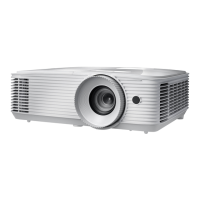
IR Function
All: Choose “All”, the projector can be operated by the remote `
control from front or top IR receiver.
Front: Choose “Front”, the projector can be operated by the `
remote control from front IR receiver.
Top: Choose “Top”, the projector can be operated by the re- `
mote control from top IR receiver.
Off: Choose “Off”, the projector can’t be operated by the `
remote control from front or top IR receiver. By selecting “Off”,
you will be able to use the Keypad keys.
“Front” and “Top”
can’t be selected
under standby
mode.
IR mode can be
switched to “NVID-
IA 3D Vision” once
implemented and
veried by NVIDIA.



 To Next Page