Orban 5750 Technical Manual Operation 3-45
further modifications at the Advanced Modify level. This is because the LESS-MORE control gets you close to an
optimum trade-off between loudness and artifacts, so any changes you make are likely to be smaller and to require
resetting fewer controls.
STEREO ENHANCER:
The 5750 provides two different stereo enhancement algorithms. The first is based on Orban’s patented analog 222
Stereo Enhancer, which increases the energy in the stereo difference signal (L–R) whenever a transient is detected
in the stereo sum signal (L+R). By operating only on transients, the 222 increases width, brightness, and punch
without unnaturally increasing reverb (which is usually predominantly in the L–R channel).
Gating circuitry detects “mono” material with slight channel or phase imbalances and suppresses enhancement so
this built-in imbalance is not exaggerated.
It also allows you to set a “width limit” to prevent over-enhancement of material with significant stereo content,
and will always limit the ratio of L–R / L+R to unity or less.
The second stereo enhancement algorithm is based on the well-known “Max” technique. This passes the L–R signal
through a delay line and adds this decorrelated signal to the unenhanced L–R signal. Gating circuitry similar to that
used in the “222-style” algorithm prevents over-enhancement and undesired enhancement on slightly unbalanced
mono material.
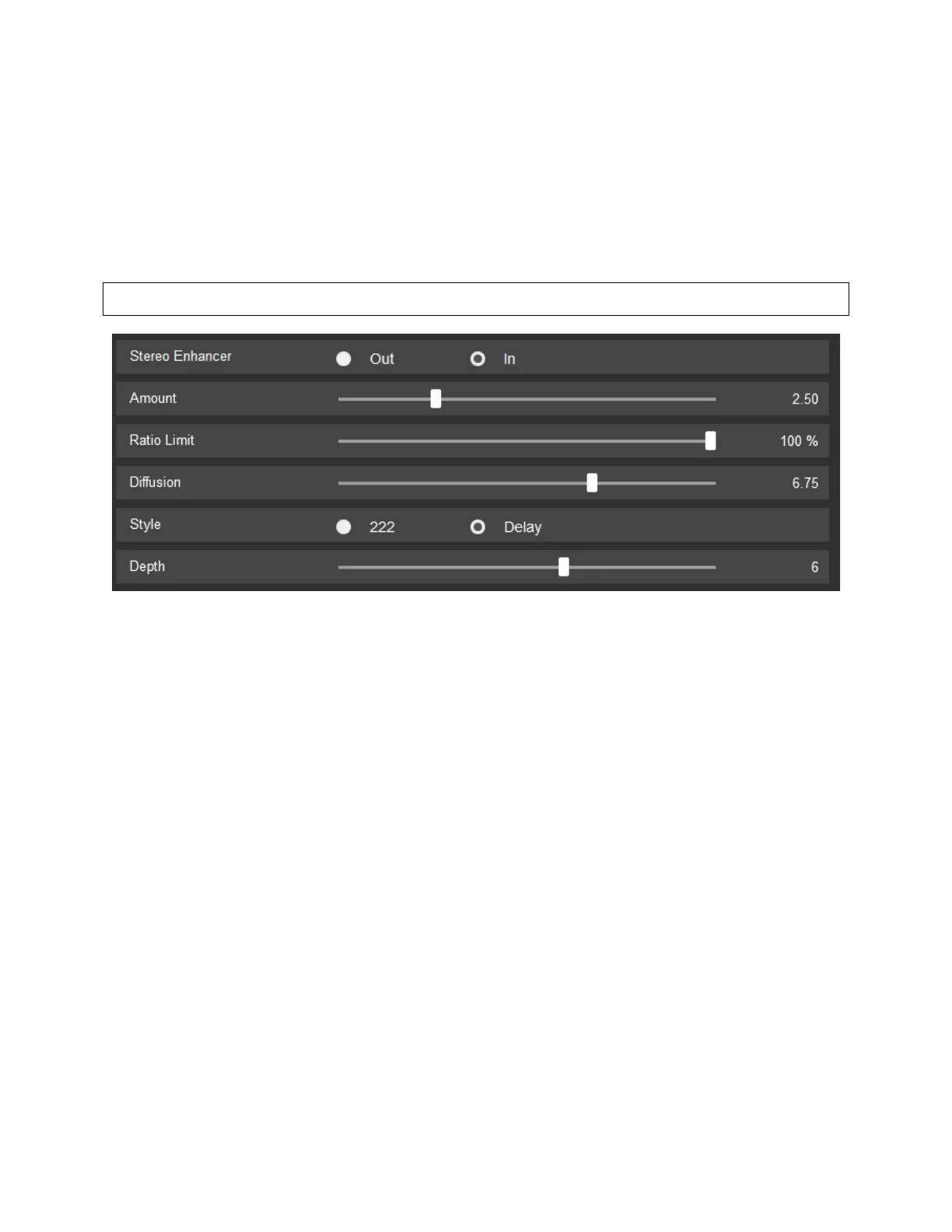
You may choose to have the stereo enhancer OUT of the signal path or IN.
• AMOUNT – Sets the maximum special enhancement
• RATIO LIMIT – Limits the sum/difference ratio to help prevent multipath in receivers. However, if the original
program material exceeds this limit with no enhancement, the enhancer will not reduce it.
• DIFFUSION – Sets the amount of delay to the L-R enhancement (available only in the DELAY option)
• STYLE – Switches between the 222 option and the DELAY options listed above.



 To Next Page