Orban 5750 Technical Manual Operation 3-53
SPEECH MODE
You can set many of the processing parameters separately for speech signals, as detected by the 5750’s
speech/music detector. This allows you to tune the processing separately for speech and music.
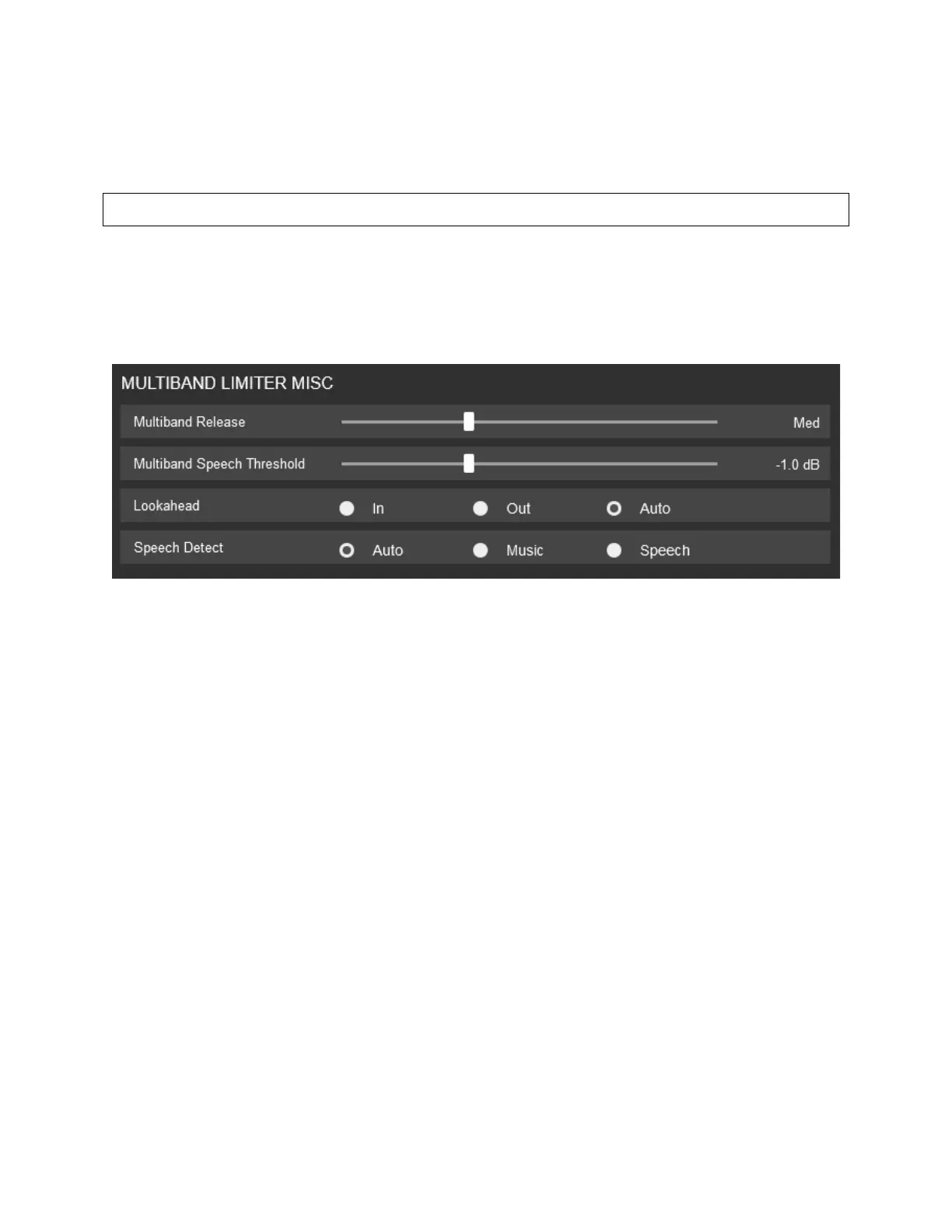
A SPEECH DETECT control allows you to force the 5750 into Music mode, overriding the Speech/Music detector.
This control is contained in the processing preset.
• MULTIBAND ATTACK – During speech, Sets the rate of speed with which the band you are setting will decrease
gain at its input. Each Band (B1-B5) has it’s own control.
• MULTIBAND SPEECH THRESH - During speech, sets the compressor threshold in units of dB below the multiband
clipper.
• LOOKAHEAD – During speech, Activates or Deactivates the look ahead function of the limiter.
• SPEECH DETECT – Can force the 5750 into MUSIC only, SPEECH only or AUTO detect mode.



 To Next Page