12
Settings
Internet
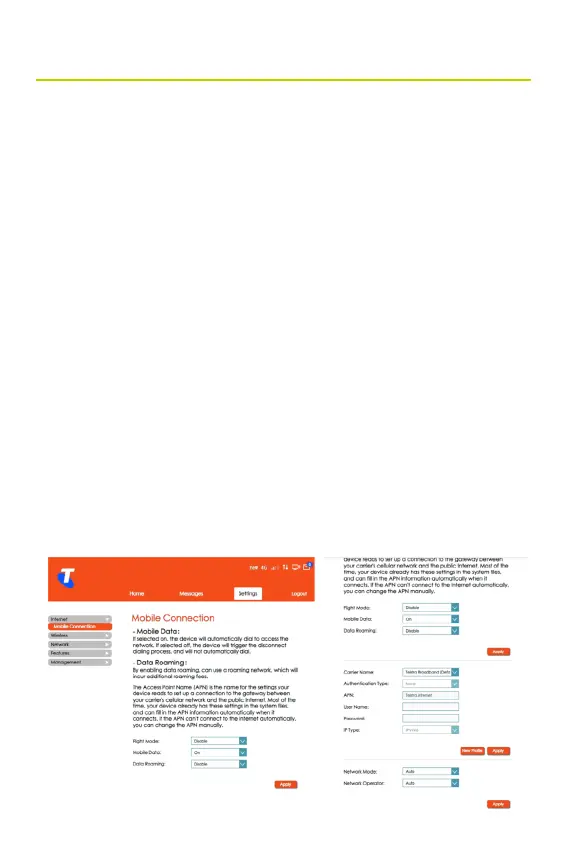
Mobile Connection
• From the Home screen, select Settings > Internet > Mobile
Connection.
• You can choose the status of the Mobile Data and Data
Roaming.
• This screen displays information about the Carrier that
provides your service.
• The APN settings can be congured. If you are unsure of
APN Settings, please contact your service provider.
• Additionally, you can add a new prole by clicking New
Prole and entering relevant data. Click Save once you have
entered the data.
• This section allows you to congure network settings. The
default Network Mode and Operator is auto selected.
• Click Apply for the changes to take effect.



 To Next Page