20
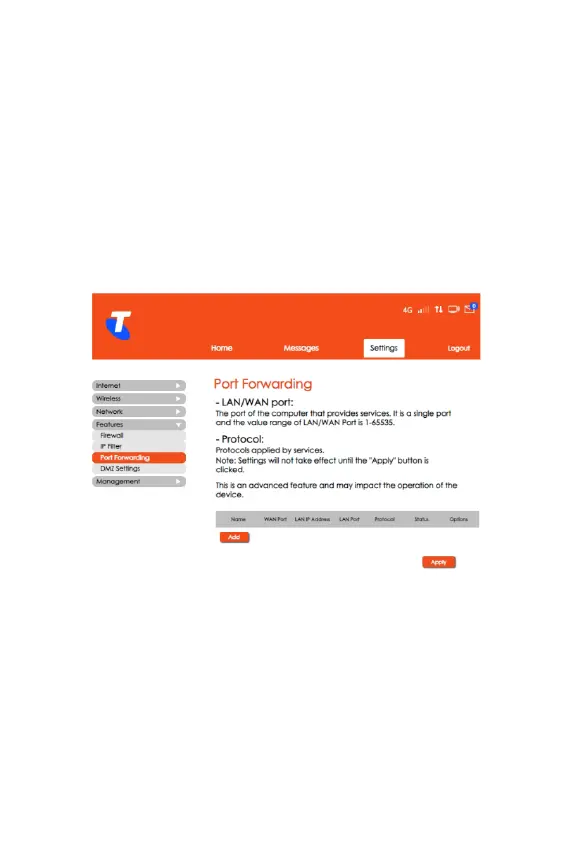
Port Forwarding
• From the Home screen, select Settings > Features > Port
Forwarding.
• In this section, you can enable external devices to access
FTP or other services provided by the LAN.
• Click Add and enter the relevant details of the WAN and the
LAN of the device.
• Click Save for the settings to take effect.



 To Next Page