23
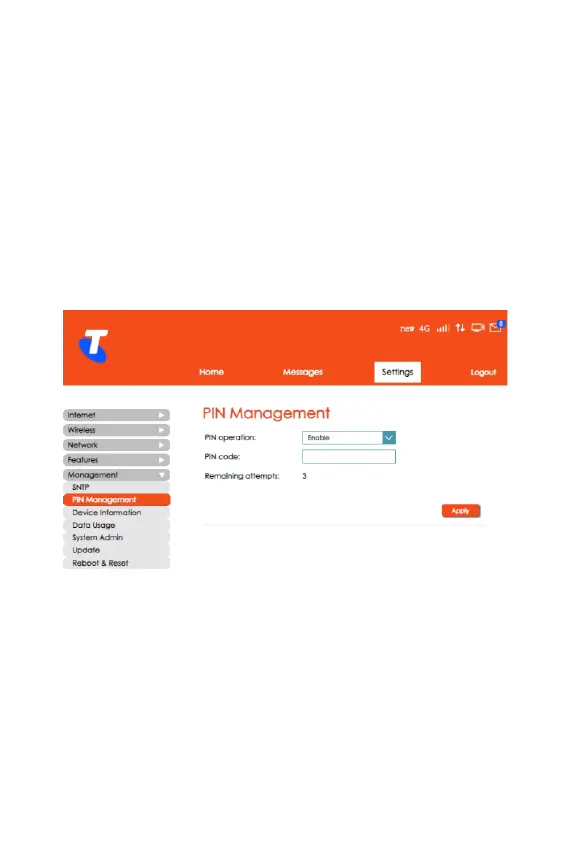
PIN Management
• From the Home Screen, navigate to Settings >
Management > PIN Management.
• In this section, you can congure a PIN code to make your
SIM more secure.
• Set a PIN after choosing the Enable option for the PIN
Operation.
• Click Apply for the PIN to take effect.



 To Next Page