24
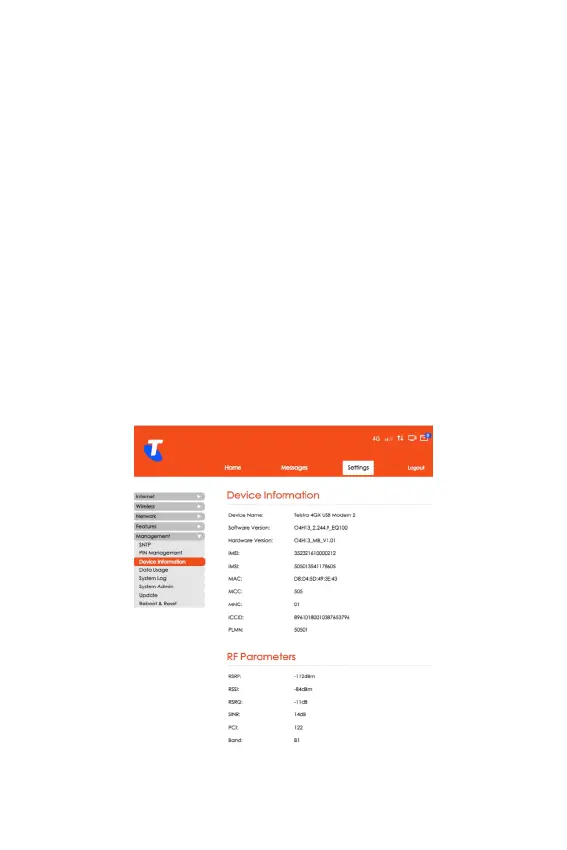
Device Information
• From the Home screen, select Settings > Management >
Device Information.
• Device information like the device’s name, its hardware
and software version, IMEI and IMSI number and its MAC
address can be found in this section. In addition to this, the
device's MCC, MNC, ICCID and PLMN number are listed
under this section.
RF Parameters
• From the Home screen, select Mobile Network > RF
Parameters.
• In this section, you can check the basic RF information.
Please contact your Internet service provider for more
details.



 To Next Page