16
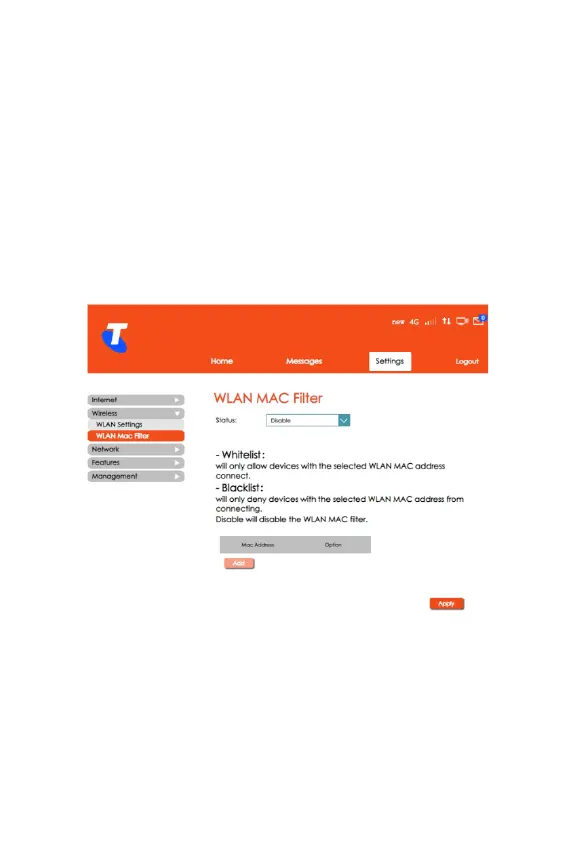
WLAN MAC Filter
• From the Home screen, select Settings > Wireless > WLAN
MAC Filter.
• This section allows you to include or exclude i.e. Whitelist or
Blacklist devices based on their Wi-Fi MAC Address.
• If you do not want to Whitelist or Blacklist a Wi-Fi MAC
Address, set the Status to Disable.
• Click Apply for the settings to take effect.



 To Next Page