16
The following four features are done in a
flow-through setup. The system will walk you
through each feature. To access only one
feature, follow these steps then press SET
until you come to the feature you would like
to adjust.
1. Slide the MODE switch to the off
position.
2. While holding the RESET buon press
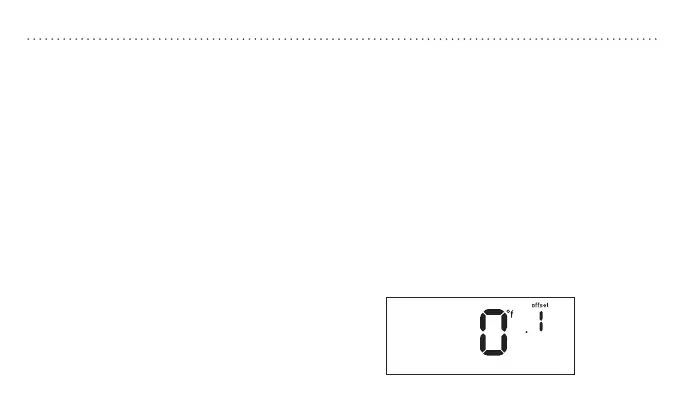
SET, “offset” will appear on the display.
Note: Do not hold the reset button for more
than five seconds.
3. Release both buons.
Note: The system will automatically exit if no
buon is pressed within 12 seconds.
Offset the temperature display to read +/- 9°
F (+/- 4.5° C). This thermostat has a highly
accurate temperature sensor; if you desire
to match the display with other devices this
offset feature can be used.
Note: Using this feature does not change the actual
temperature.
1. Press p or q to change the offset
amount.
2. Press SET to advance to the next step.
To exit, press SET four times.
TEMPERATUREOFFSETADVANCEDSYSTEMSETUP


 To Next Page