27
OVERRIDINGSCHEDULESPERMANENTLY
Press HOLD to override the programmed
schedule. All programmed temperature
changes for all periods will be ignored.
While the system is in hold you can manually
change the temperature at any given time
by pressing p or q. The thermostat will
maintain this temperature change until you
manually change it again or remove the hold.
You can remove the hold at any time by
pressing RUN, the system will return to your
previous programmed schedule.
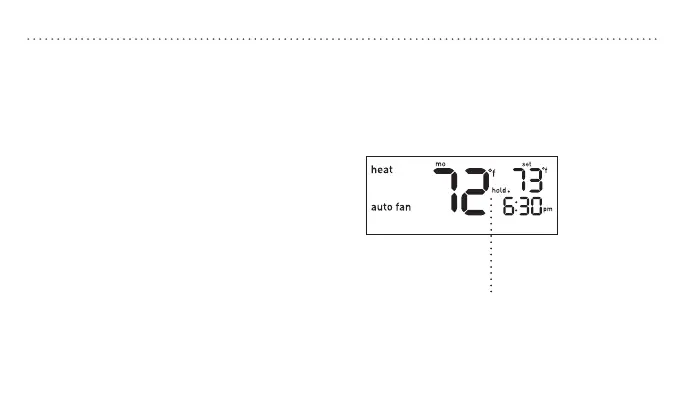
“Hold.” will appear on the display.


 To Next Page