24
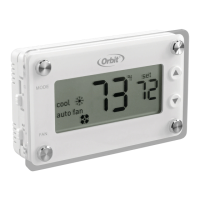
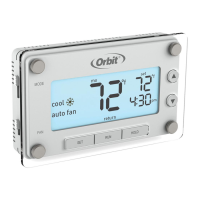
1. Switch the thermostat to the MODE
you want to program (heat or cool) and
press SET.
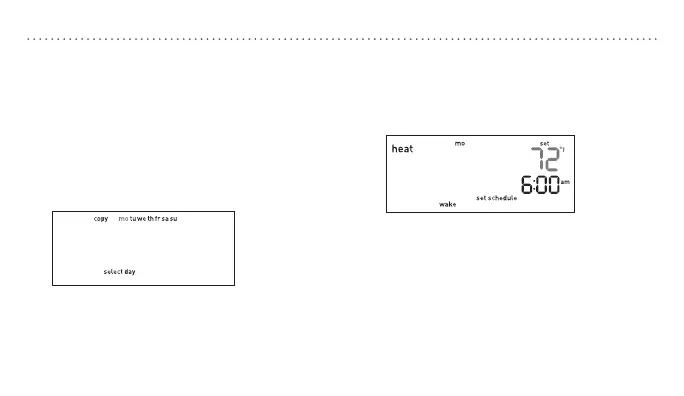
2. Press p or q to scroll between days
and press SET when the day you would
like to schedule is flashing.
3. Press p or q to set your wake start
time and press SET to accept the time.
MODIFYINGTHEPROGRAMMEDSCHEDULE
4. Press p or q to set the wake
temperature and press SET to accept the
temperature and proceed.
5. Follow steps 3 and 4 to set
the time and temperature for
the remaining periods.
6. Continue to set up each day individually
or use the copy feature to copy one day
to another (see page 25) or press RUN to
save and exit.


 To Next Page