20
SETTIMEANDDAY
Set the time and day
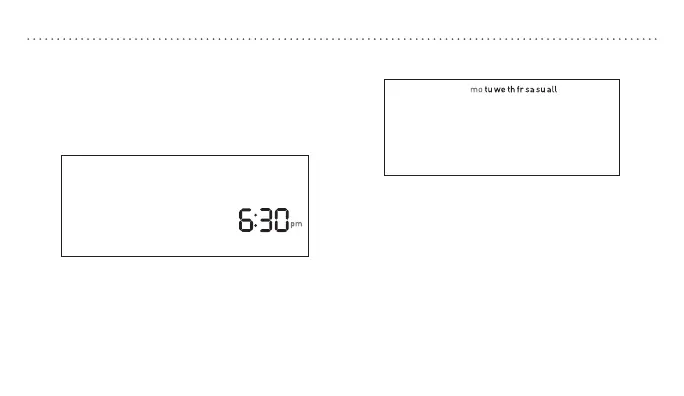
1. With the thermostat in off mode, press SET.
2. Press p or q to adjust the time.
3. Press SET to accept the time and continue.
Note: Press and hold p or q to advance
the time faster.
4. Press p or q to select the day of the
week.
5. Press SET to accept the day of the
week and exit.



 To Next Page