26
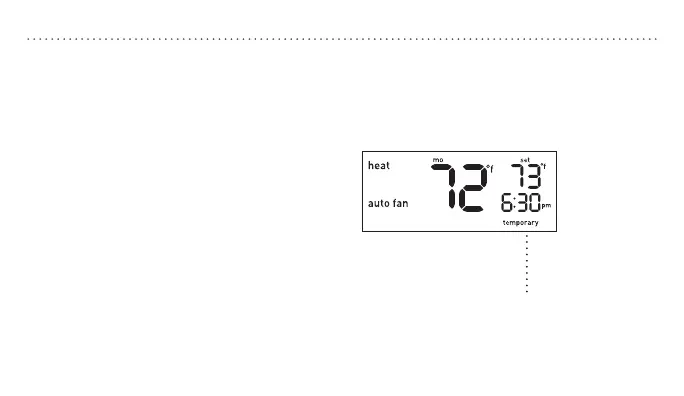
Press p or q to raise or lower the
temperature. This temporary adjustment
will remain until the start time of the next
period. The word “temporary” will be
displayed leing you know the temperature
has been adjusted.
Note: Pressing the p or q button once will
turn on the backlight. To change the setpoint
temperature press either button more than once.
OVERRIDINGSCHEDULESTEMPORARILY
You can remove the temporary seing at any
time by pressing RUN, the system will return
to your previous programmed schedule.
“Temporary” will appear on the display.


 To Next Page