34
Problem:
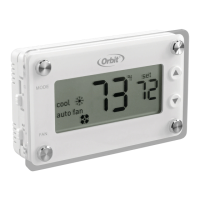
Incorrect room temperature
Solution:
1. Let the thermostat sit (do not touch) for 30 minutes to allow the temperature to stabilize.
2. Check placement of thermostat; make sure it’s not in an unusually dray or heated area.
3. Verify that the wall hole for wires is insulated properly.
4. Check Temperature Offset (see “Temperature Offset,” page 16).
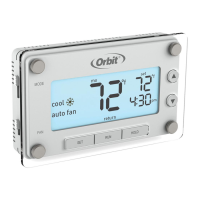
Problem: Buons below display do not function
Solution: Verify that the thermostat is not in MANUAL mode
(see “Turning Off Schedules,” page 28).
TROUBLESHOOTING


 To Next Page