31
System Tests
The system tests menu contains multiple different tests and diagnostics that can be performed
on the system to ensure correct operation of the security system.
1. Enter your code or present tag to select the user menu.
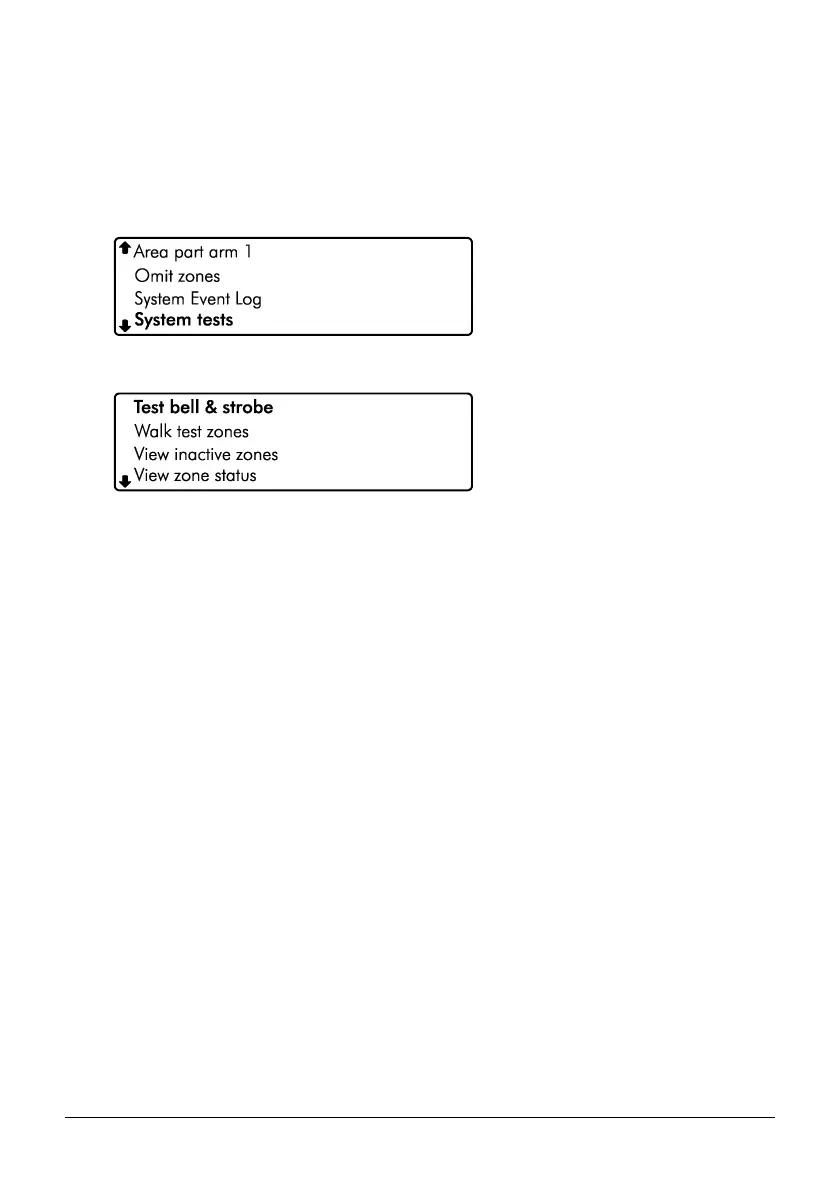
2. From the user menu, use the arrow keys to scroll down to ‘System tests’:
3. Press E or k to select, the ‘System tests’ menu is now displayed:
4. From the ‘System tests’ menu, use the arrow keys to scroll to the required test menu:
Test Bell & Strobe: Please refer to page 32.
Walk test zones: Please refer to page 33.
View Inactive zones: Please refer to page 34.
View zone status: Please refer to page 35.
View module status: Please refer to page 36.
Do a test Call: Please refer to page 37.
Review voice messages: Please refer to page 37.
Send SMS Message: Please refer to page 38.



 To Next Page