38
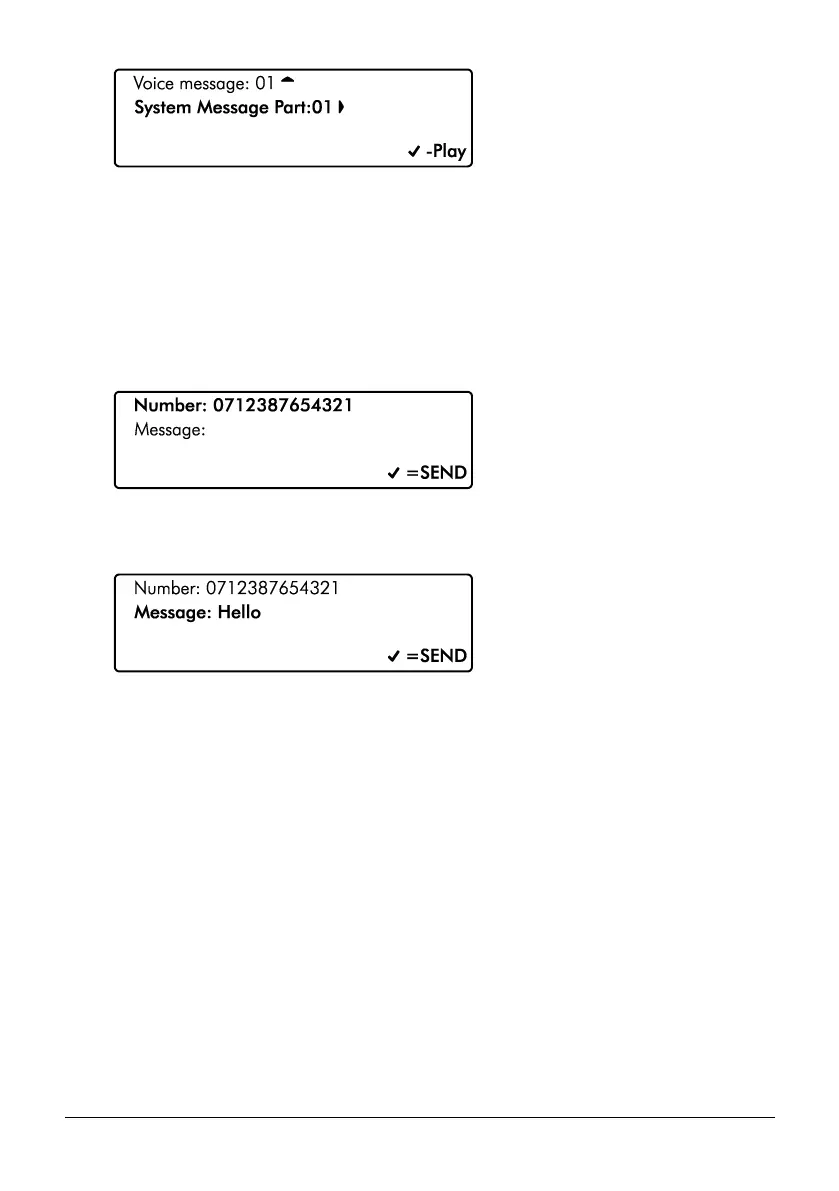
4. Use the L/ o and R/ r keys to select the system message (1-75). Press
E or k to play the message.
Send SMS Message
This menu allows the user to send a SMS message to a telephone number of their choosing.
The system must be fitted with either a GSM or PSTN module to use this feature.
1. Ensure that the ‘Send SMS message’ menu is selected, see page 31:
2. Use the number keys to enter a valid mobile telephone number.
3. Press D/ p to select Message:
4. Use the number keys to enter the message then press E or k to send the SMS
message.



 To Next Page