digiBASE-E™ High-Performance Power-over-Ethernet Multichannel Analyzer / PMT Base for Scintillation Detectors
12
window’s Close (×) icon. The final step will be to run the MCB Configuration program, as
discussed in Section 2.3.5.
2.3.4.1. IP Addressing — Dynamic vs. Static
The Ethernet Device Controller program gives you two ways to establish an IP address for the
digiBASE:
Automatic assignment of a dynamic IP address by your network’s Dynamic Host
Configuration Protocol (DHCP) server.
Manual assignment of a static IP address.
Dynamic
We recommend using the DHCP option, where available, because it is simplest and least prone
to address incompatibility issues. If you connect one or more powered-on digiBASE-Es to a
network with a DHCP server, it will assign each digiBASE-E a dynamic IP address. Then when
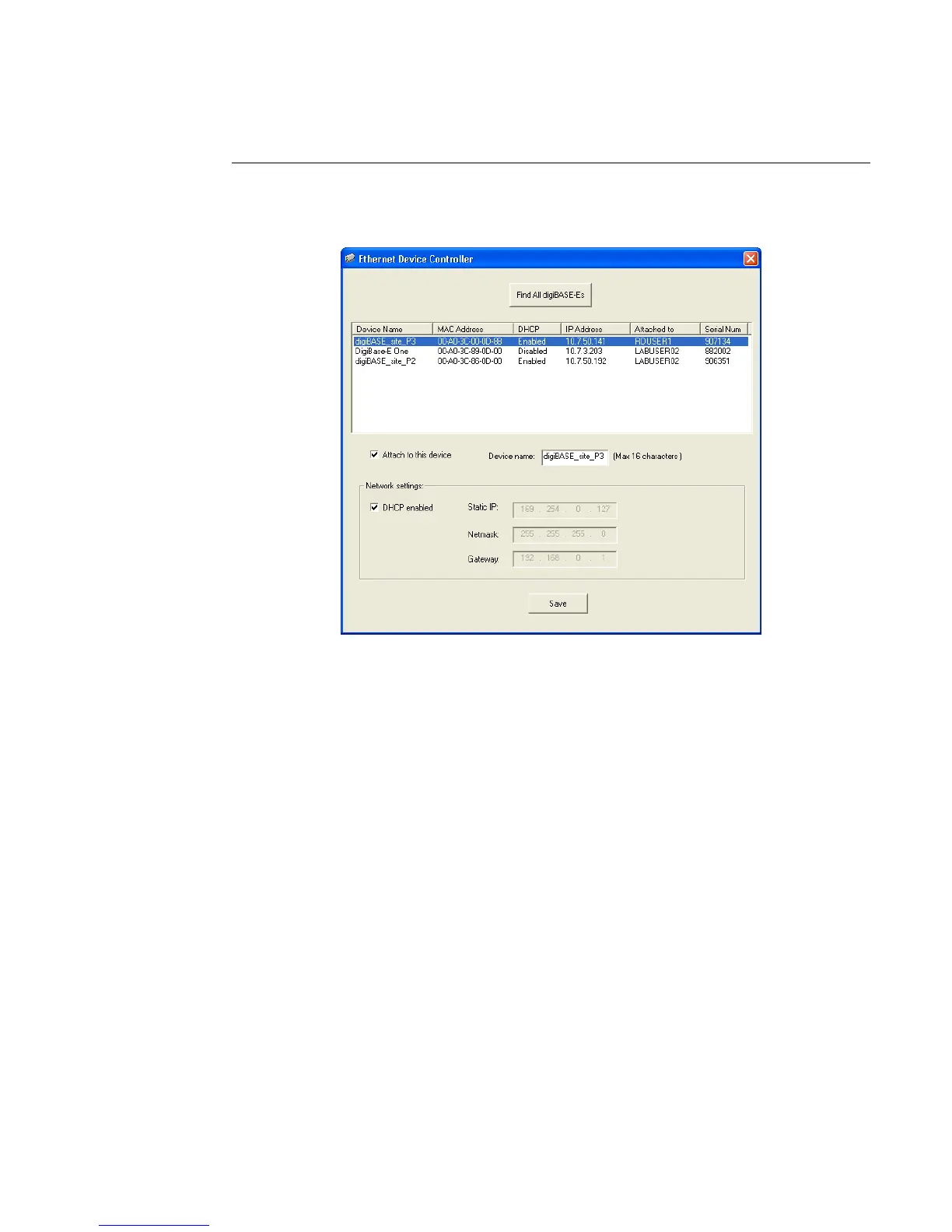
Figure 5. Three digiBASE-Es Detected; Highlighted Unit is Attached
to this PC (“Attach” checkbox is marked).



 To Next Page