Switching on AURICAL Aud
Use only the power supply specified in Technical Specifications.
1. Connect the mains plug of the external power supply directly to an AC mains outlet with a three-wire
protective ground.
2. Switch on the mains supply.
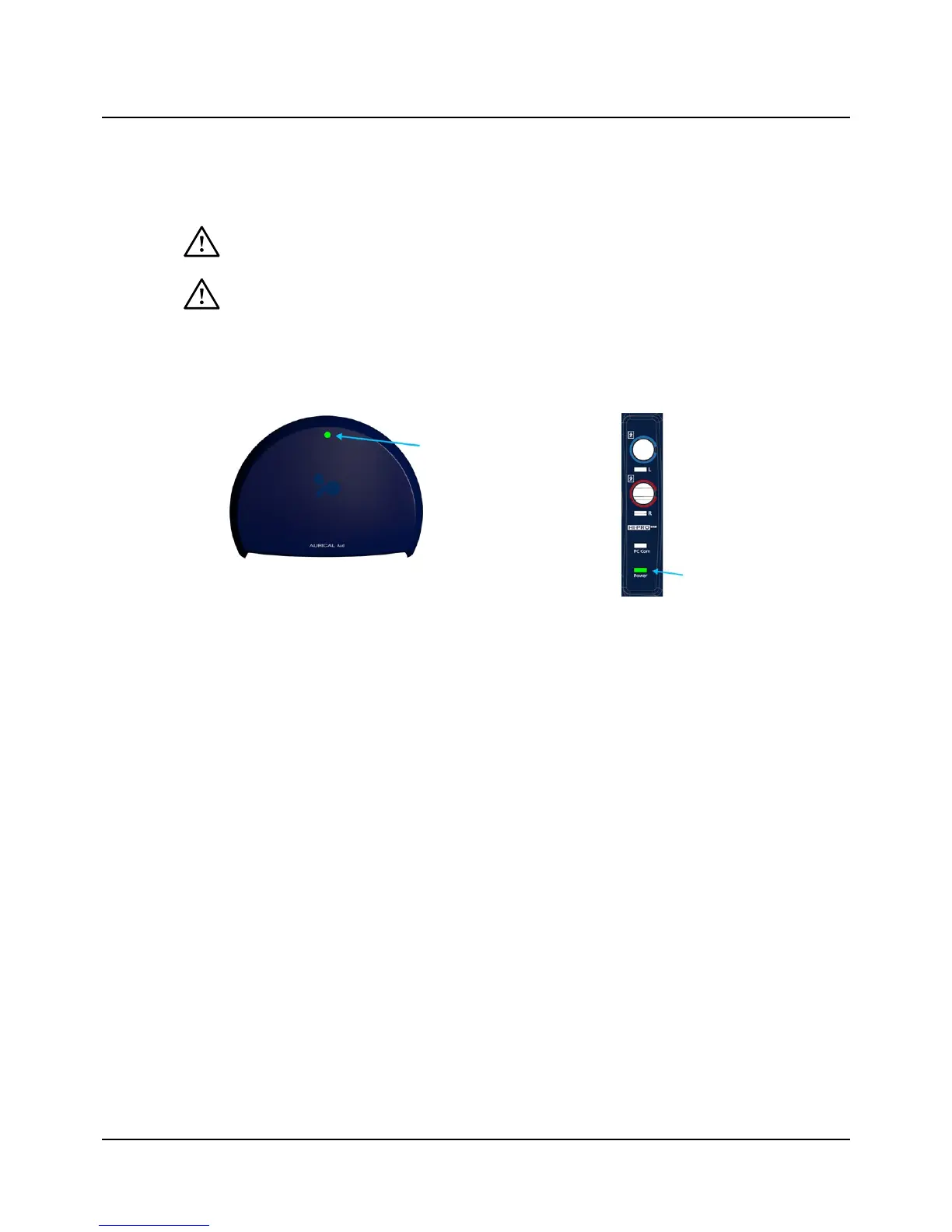
3. The On/Off indicator on AURICAL Aud lights green.
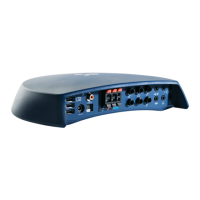
AURICAL Aud AURICALAud with HI-PRO2
Switching off AURICAL Aud
1. To switch off AURICAL Aud, disconnect the power supply from the mains outlet.
7 Connecting AURICAL Aud to OTOsuite
When you use AURICAL Aud for the first time, run the Configuration Wizard to set up the connection between AURICAL
Aud and OTOsuite. After you have configured OTOsuite for the first time, if AURICAL Aud is turned on when you open the
Control Panel in OTOsuite, then AURICAL Aud will connect to OTOsuite automatically. Otherwise, you can connect
AURICAL Aud as follows:
1. Switch on the device.
2. Launch OTOsuite.
3. In the OTOsuite toolbar, click Control Panel.
4. In the Control Panel, click Connect.
8 On-screen controls
Test controls provide a means of operating the audiometer if you use the mouse and on-screen options to perform tests.
• To enable test controls, select Tools> Options> Audiometry> General> On-screen controls> Show> On.
Otometrics - AURICAL Aud
9
7 Connecting AURICAL Aud to OTOsuite


 To Next Page