Silence Mode
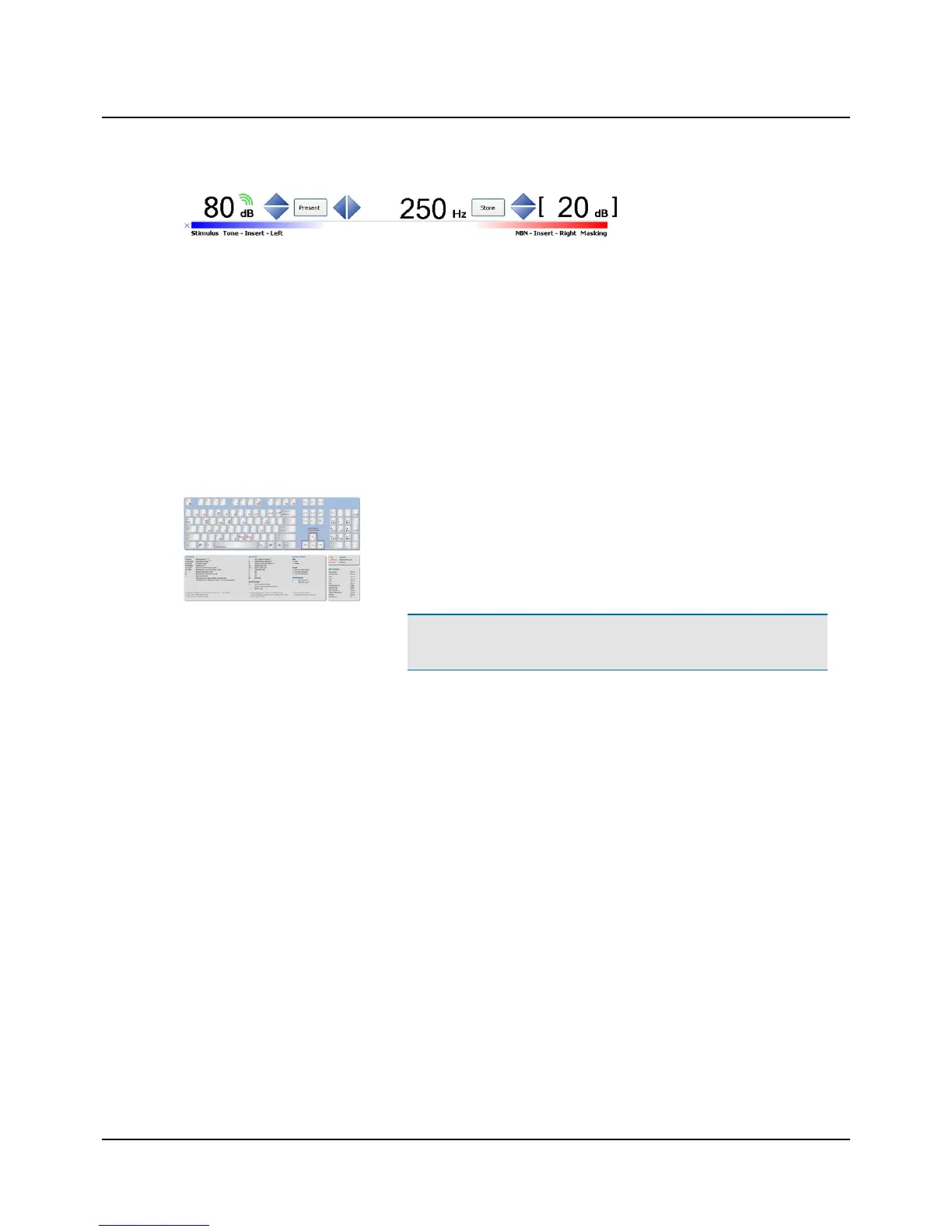
Silence Mode allows you to control tone levels and presentation by hovering the mouse cursor over the respective on-
screen controls. This is particularly useful when the operator of the audiometer and the person being tested are in the
same room.
• To enable silence mode, select Tools> Options> Audiometry> General> On-screen controls> Silence Mode> On.
• To change the level and frequency by more than one click at a time, use the mouse scroll wheel.
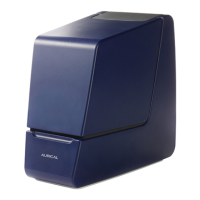
9 PC keyboard controls
You can open a separate PDF-file to have a proper view of the keyboard short-
cuts.
After you install OTOsuite, you can find OTOsuite manuals and related doc-
umentation on your PC. In the Start menu, open OTOsuiteManuals, which
contains an overview with links to all manuals.
Note • The actual position of the keys may depend on your keyboard
type.
10 Toolbar icons in the Audiometry Module
The icons available in the toolbar depend on the test function that you have selected.
10 Otometrics - AURICAL Aud
9 PC keyboard controls


 To Next Page