22
PB
7. Charger Set-Up
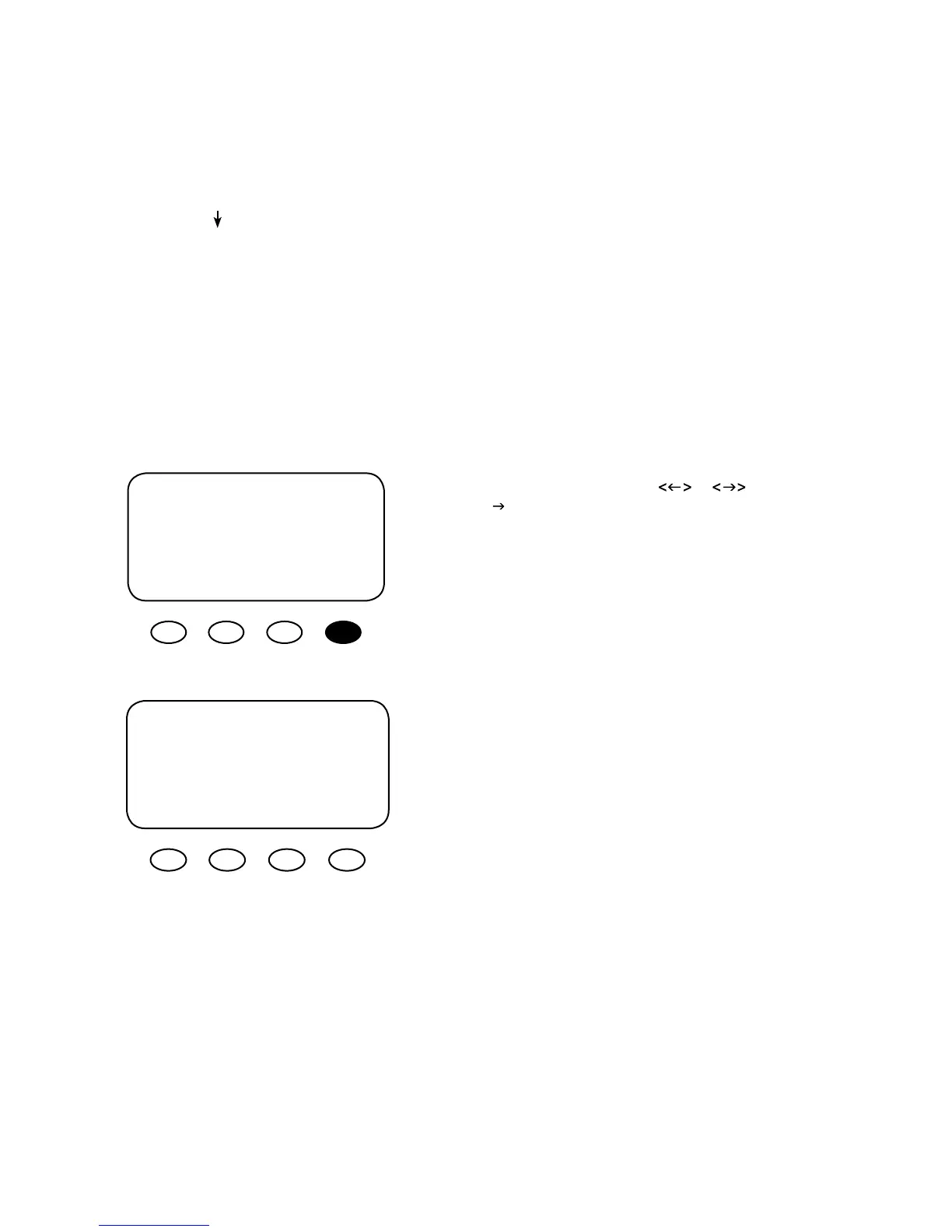
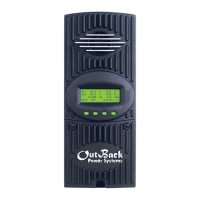
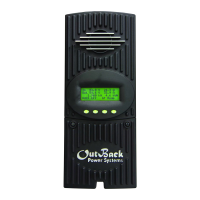
This screen allows changes to the FLEXmax 80’s recharging voltage set points—Current Limit,
Absorb and Float (for an explanation of battery charging, see pages 81-82):
• The presently selected numerical value will have an arrow “
g ” to the left of it.
• Pressing <
> selects the value to be changed.
• You
may need to re-enter the password to change these settings.
• The default charger output current limit setting is 80 amps and is adjustable from 5-80 amps. An
appropriate breaker must be used between the battery and the FLEXmax 80.
• Change Absorbing and Float set points using this screen if the battery manufacturer’s recommenda
-
tions are dierent than the default values. Otherwise, see page 84 for suggested recharging voltage
set points.
From the MAIN screen, press or to move
the " “ to the left of the Charger function and then
press the <GO> soft key. This will open the Charger
Set-Up screen.
NOTE:
If a battery remote temperature sensor (RTS)
is used, set the ABSORB and FLOAT setting voltage
based on a 25°C / 77°F setting. These are typically the
manufacturer’s set points (always consult the battery
manufacturer’s recommendations). RTS compen-
sated voltage values can be viewed in the Advanced
menu screen under the RTS Compensation heading.
If an RTS is not in use, please see the Non-Battery
Temperature Compensated System values (page 83)
and adjust the ABSORB/FLOAT values accordingly.
Current Limit g 80.0A
Absorbing 14.4V
Float 13.8V
EXIT
i - +
g Charger Aux Light
EQ Misc Advanced
Logging Stats
EXIT f g GO


 To Next Page