26
PB
VENT FAN
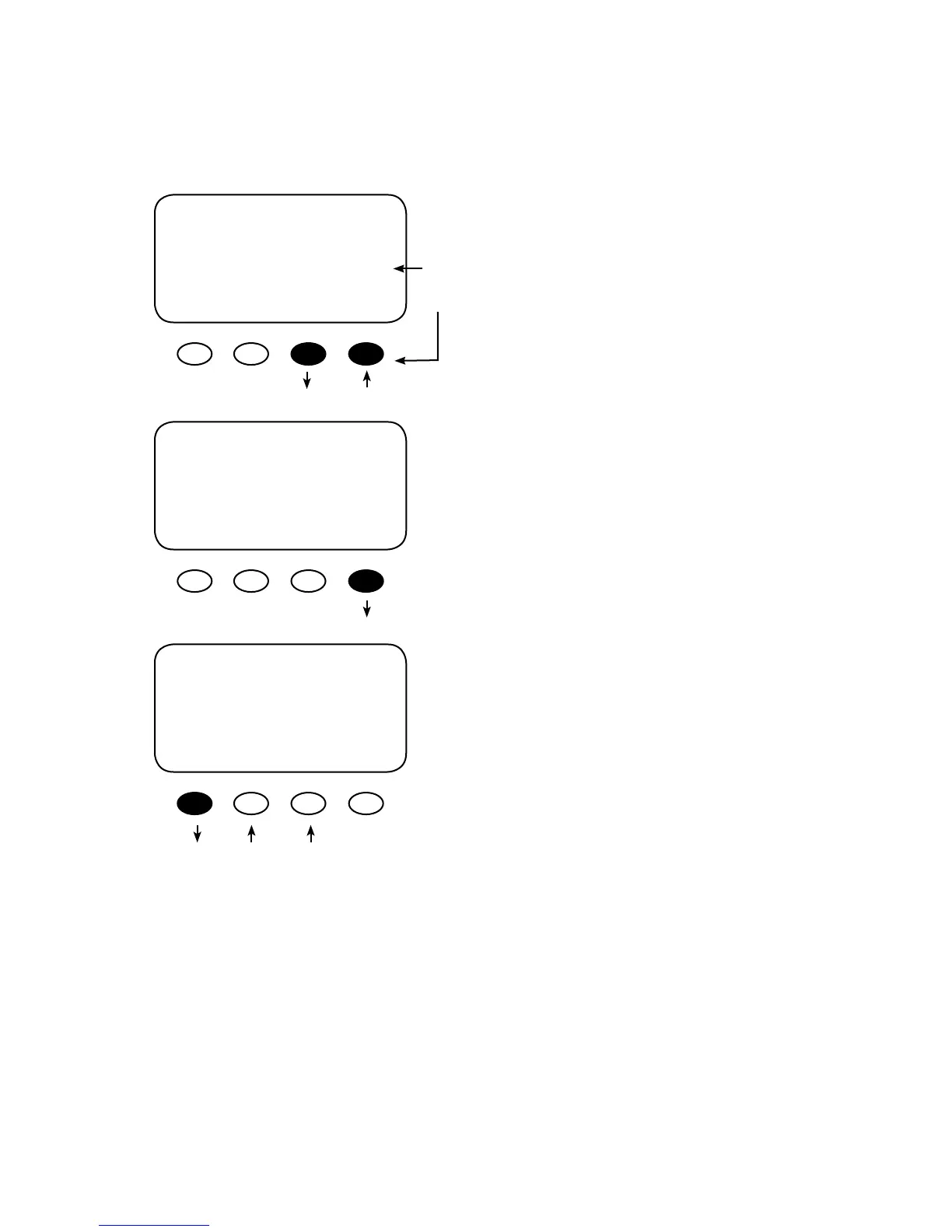
Press the <MODE> soft key to manually activate
or deactivate (On or O) the Vent Fan; if set to Auto,
the Vent Fan will turn on when a user-determined
voltage is met. Press the <SET> soft key to view
the Vent Fan screen. To view other screens, con-
tinue to press the <NEXT> soft key.
The Vent Fan helps remove hydrogen from the bat-
tery box. The ventilation fan referred to here is not
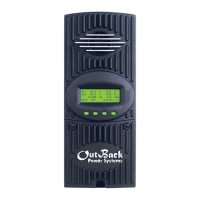
the same as the FLEXmax 80 cooling fan. Press the
<VOLT> soft key to determine the battery voltage
that will activate the AUX MODE and start the fan.
Adjust the voltage level using the < - > and < + >
soft keys. Press the <BACK> soft key to return to
the Vent Fan screen.
AUX MODE
Vent Fan
Output: Off Off
EXIT NEXT SET MODE
AUX MODE
Vent Fan
EXIT VOLT
VENT FAN VOLTS
> 14.4
BACK - +
On
O
Auto
9. Programming the AUX MODES



 To Next Page