5.Advanced User Guidebook
How to Implement Sampling Setup
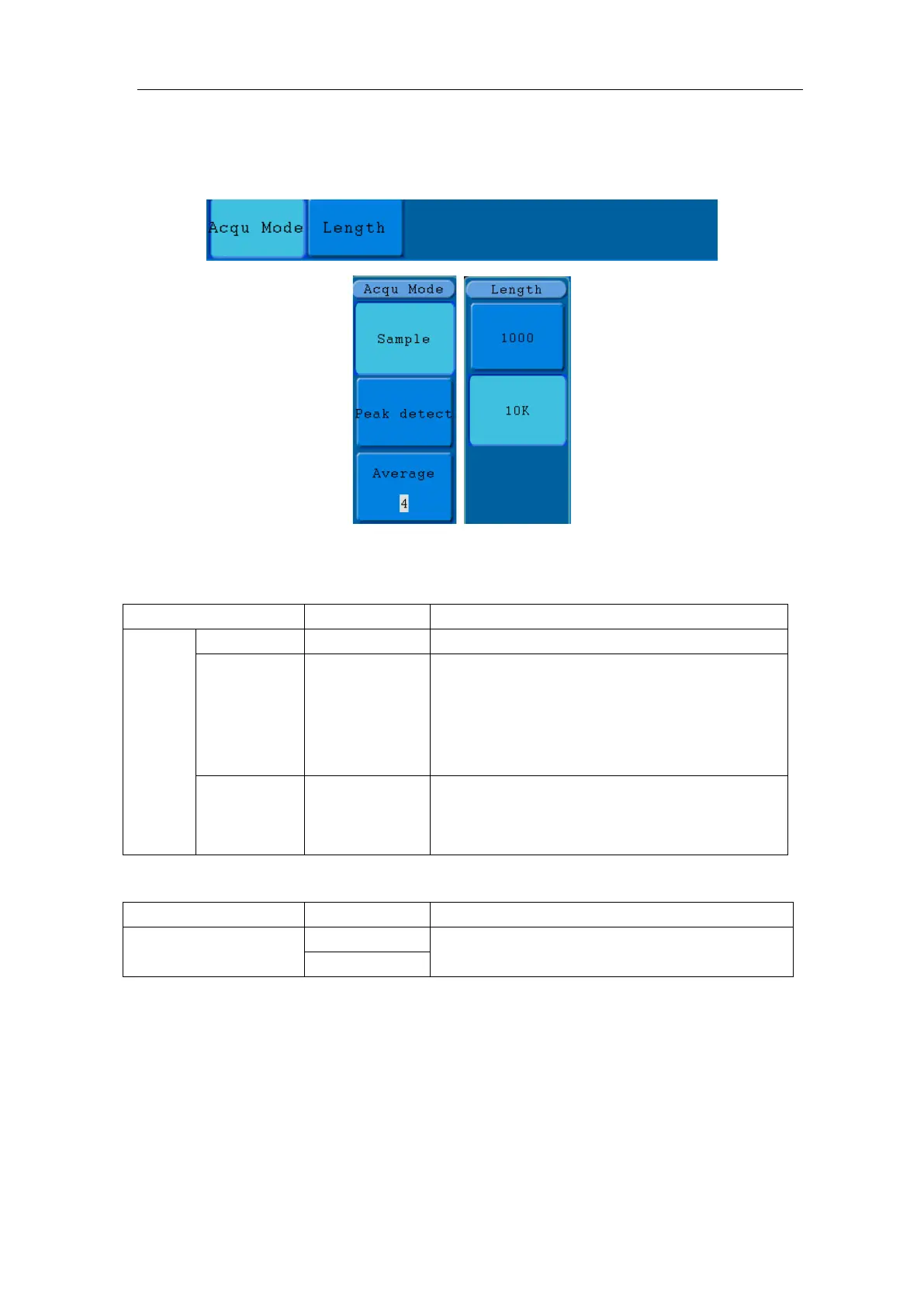
Press the Acquire button and the menu is displayed in the screen, shown as Figure
5-26.
Figure 5-26 ACQU MODE Menu
The description of the Acqu Mode Menu is shown as follows:
Sample
Peak detect
Use to capture maximal and minimal
samples. Finding highest and lowest points
over adjacent intervals.
It is used for the
detection of the jamming burr and the
possibility of reducing the confusion.
Average 4, 16, 64, 128
It is used to reduce the random and don't-care
noises, with the optional number of averages.
The description of the Record Length Menu is shown as follows:
Length
Choose the record length
Change the ACQU Mode settings and observe the consequent variation of the wave form
displayed.



 To Next Page