5.Advanced User Guidebook
4. Press H5 to exit the help, or just do other operations.
How to Use Executive Buttons
Executive Buttons include Autoset, Run/Stop, Single, Copy.
Autoset
It's a very useful and quick way to apply a set of pre-set functions to the incoming
signal, and display the best possible viewing waveform of the signal and also works
out some measurements for user as well.
The details of functions applied to the signal when using Autoset are shown as the
following table:
Adjust to the proper division.
Adjust to the proper division
Show the minimum number of channels.
Judge waveform type by Autoset
Five kinds of types: Sine, Square, video signal, DC level, Unknown signal.
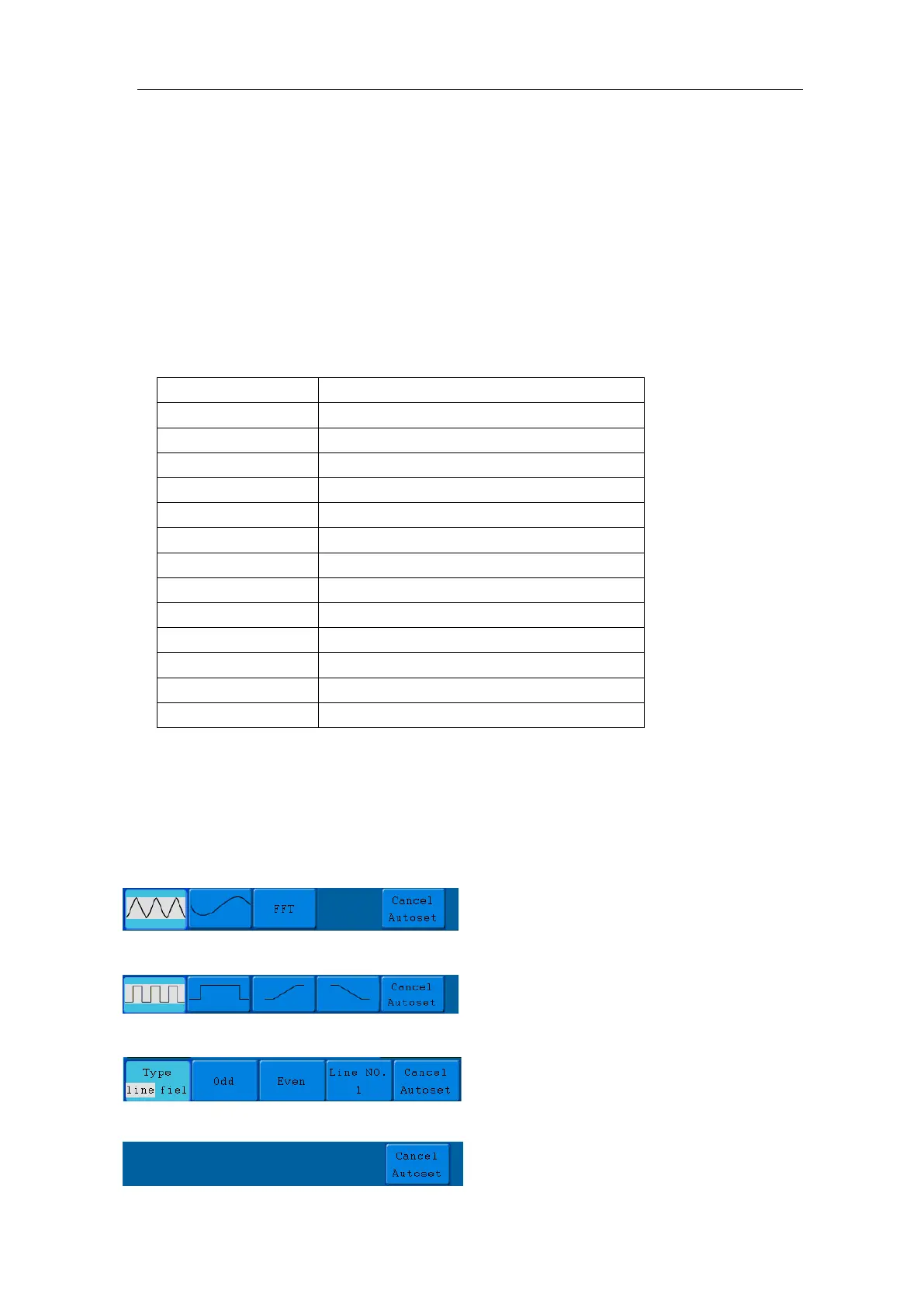
Menu as follow:
Sine: (Multi-period, Single-period, FFT, Cancel Autoset)
Square: (Multi-period, Single-period, Rising Edge, Falling Edge, Cancel Autoset)
Video signal:
DC level, Unknown signal:



 To Next Page