5.Advanced User Guidebook
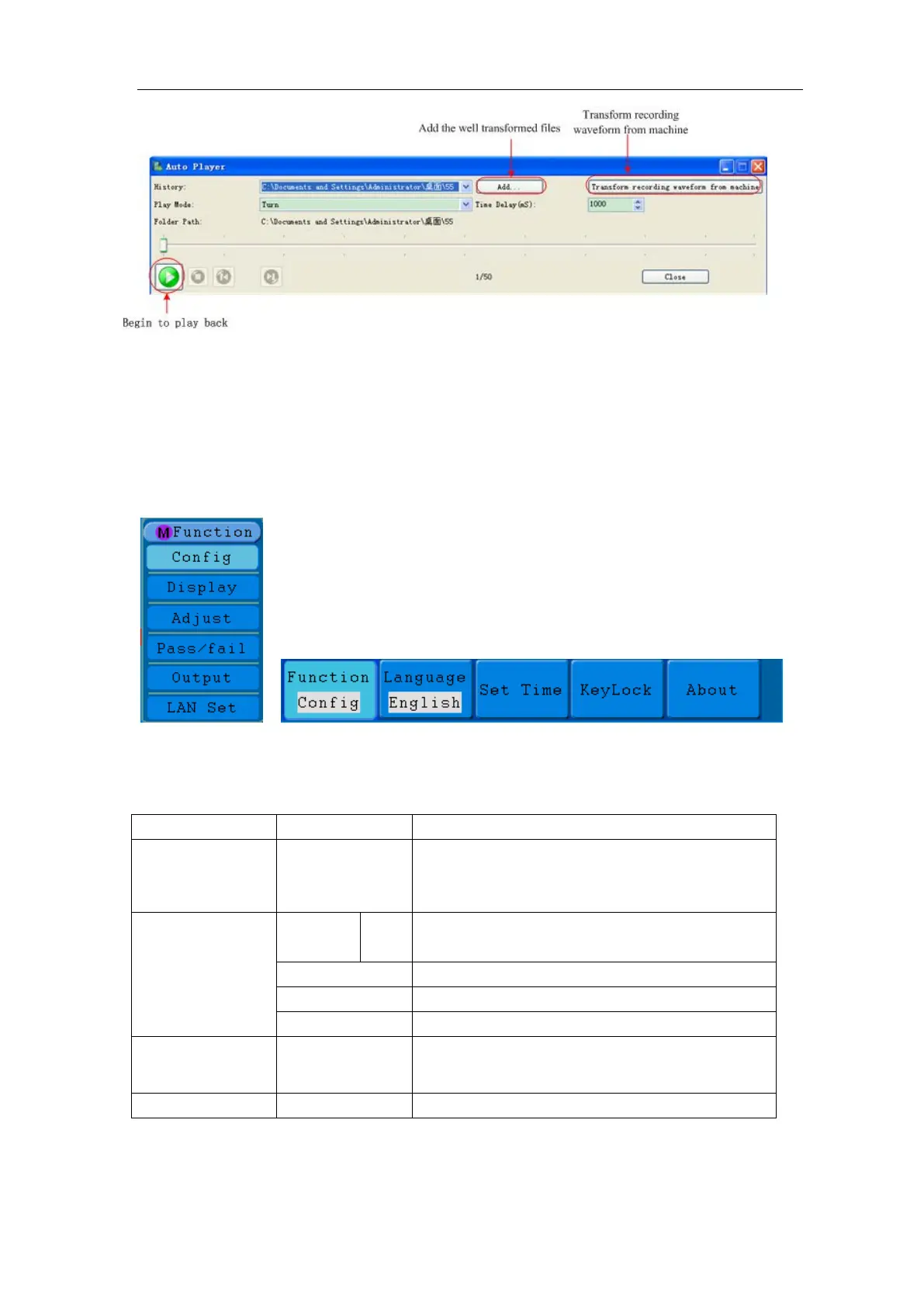
Figure 5-57: Play back waveform by software
How to Implement the Auxiliary System Function Setting
●Config
Press the Utility button and turn the M knob to select Config to go to the following
menu.
Figure 5-58 Configuration Menu
The description of Configuration Menu is shown as the follows:
●Display
Press the Utility button and turn the M knob to select the Display to go to the following
Language
English
Choose the display language of the operating
system.
Set Time
Display
On/Off the date display
KeyLock
Lock all keys. Unlock method: press 50%
button in trigger control area
, then press
Force button, repeat 3 times.
Version number and serial number showing



 To Next Page