13
EN
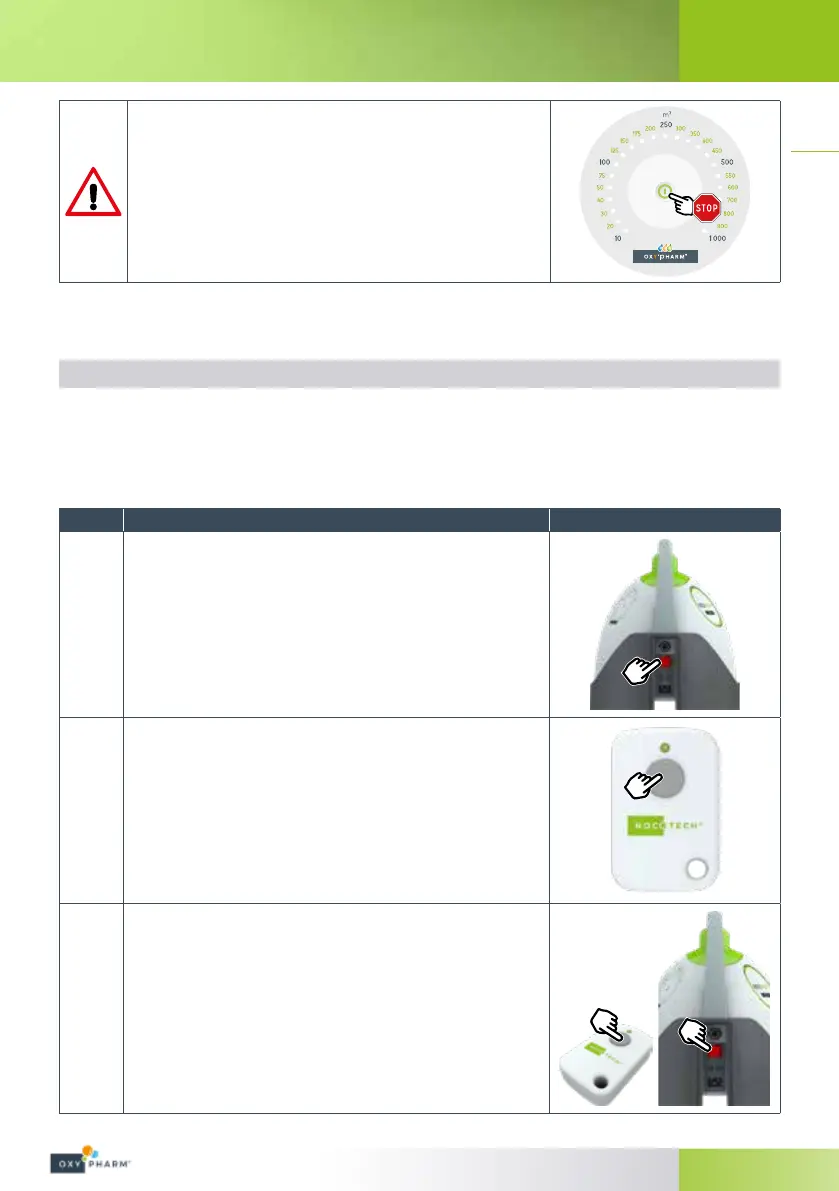
If necessary, the device may be stopped during treatment by pressing
the button at the centre of the keypad again.
Respect the safety information provided on page<EX>.
4.3.2 Use with remote control
The remote control allows the device to be launched from outside of the room.
4.3.2.1 Initial pairing with the remote control
Before using the remote control for the rst time, it needs to be paired with the NOCOSPRAY 2 device. Follow
the steps below:
Steps Acon Illustraon
1
Plug in the NOCOSPRAY 2 power cable.
Set the power switch to “0”.
2
Press the button on the remote control (approx. 5 seconds) in direct
proximity to the NOCOSPRAY 2 with which you wish to pair it, hold the
button until the LED on the remote control begins to blink.
3
Keep the button on the remote control held down.
Turn on the NOCOSPRAY 2 to be paired by setting the power switch to
“1”.


 To Next Page