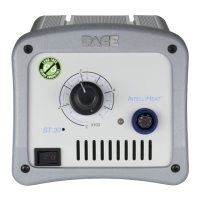
37
REPAIR
ASSEMBLY
1. Disconnect the AC power cord.
WARNING
POTENTIAL SHOCK HAZARD Insure that the AC power is
disconnected before proceeding to step 2.
2. Place the case directly behind the power source. Insure that the power source is facing forward.
3. Slide the power source back into the case.
4. Reposition the power source with the rear panel facing forward. Reinstall the 3 rear panel mounting
screws.
5. Reposition the power source with the front panel facing forward. Reinstall the 4 bolt assemblies.
Tighten the hex nuts on each bolt assembly to secure the power source in position.
6. Insure that all air hoses are properly connected to the front panel. Refer to the "Air Hose Routing"
illustration.
7. Install the 10 front panel mounting screws to secure the panel to the case.
8. Check the power source for proper operation.


 To Next Page