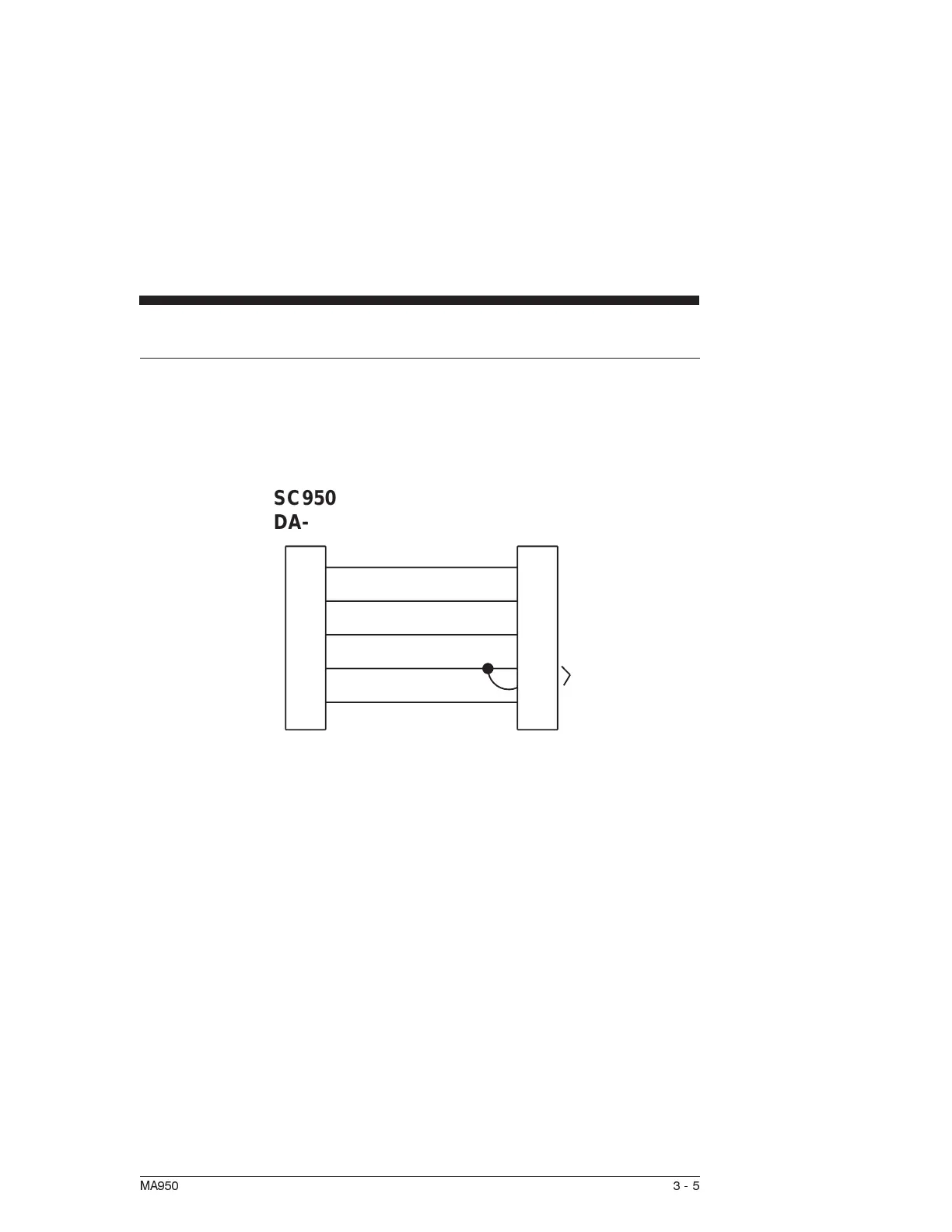
J51 Serial Port T10 Connections (RS-232)
Introduction Connect the SC950 to your T10 terminal as follows:
The T10 terminal requires a DC-9P 9-pin plug-in male D
connector.
Note: The T10 terminal is a Burr-Brown TM2500.
Procedure 1. Solder the cable leads to the SC950 mating connector and the
T10 connector as shown.
2. Assemble the connector housings.
3. Plug the connectors into the SC950 and T10 and affix the
connectors to the units.
MA950 3-5
SC950
DA-9P
+5 VDC RTN
2
3
4
5
1
3
2
8
7
9
1
+5 VDC
+5 VDC RTN
TRANSMIT
TRANSMIT
RECEIVE
RECEIVE
POWER GND
SIGNAL GND
5VDC
T10
DA-9P



 To Next Page