3.2 Setting Up Serial Addresses using Switch S1
Definition The S1 switch sets the communication address for each OC950.
The ability to select different addresses is used with RS-485 for
multi-drop communications.
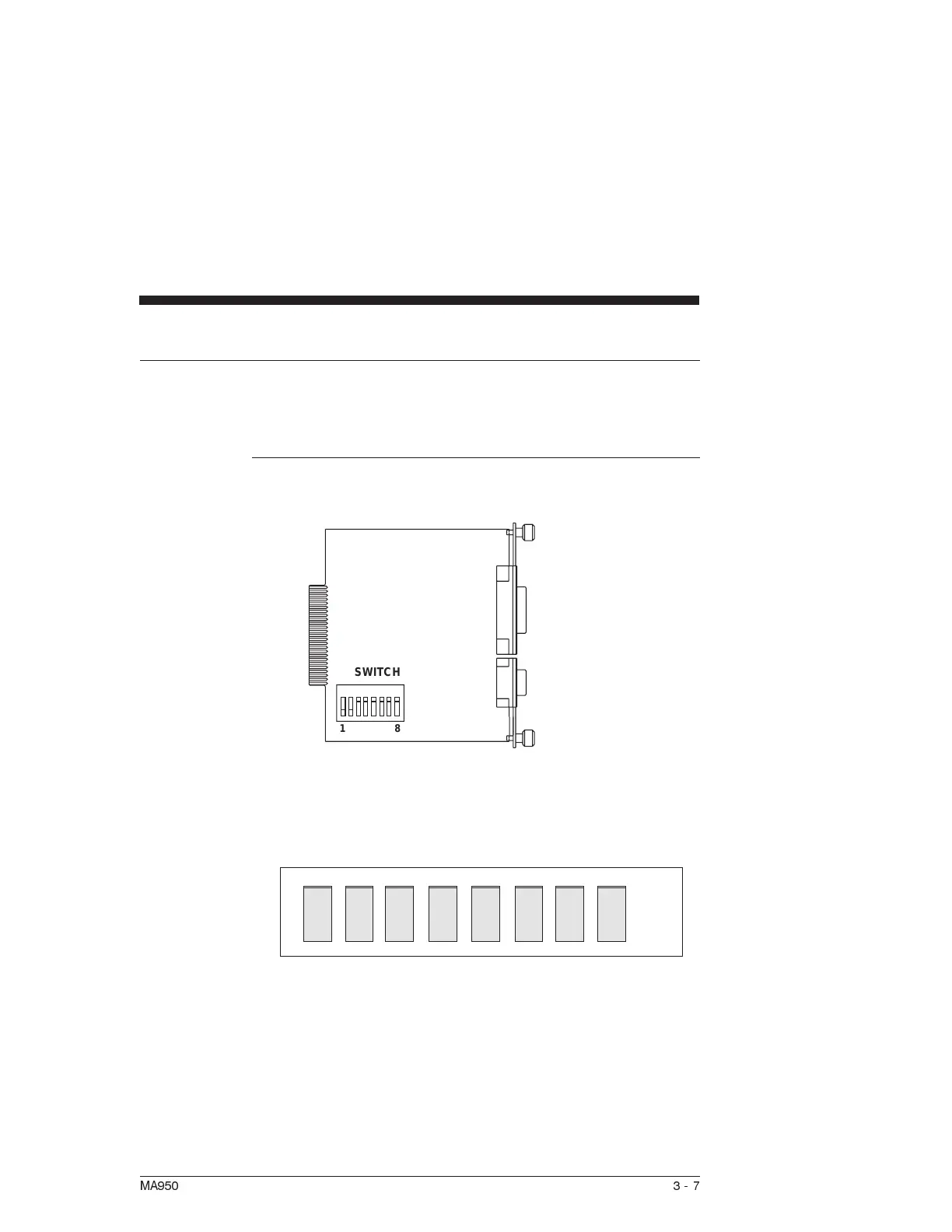
Procedure Looking down at the top of the OC950, the following diagram
shows the location of switch S1.
Note: Each SC950 subsystem connected to an RS-485 multi-drop
installation or PacLAN must have a unique serial address.
The diagram below shows the S1 default switch settings. The
OC950 factory default address is 255 (All switches off).
The switches are:
•
On in the up position (away from number)
•
Off in the down position (toward number)
Note: When using RS-232 communications, it is recommended to
leave the address set at 255.
MA950 3-7
1
8
SWITCH
ON
12 34 56 7 8
ON



 To Next Page