24 -
Packard Bell Easy HDD Recorder User's Guide
Recording to DVD
Press the TIMESHIFT button once to switch to manual recording mode, and press the REC TO button to
switch to DVD record source.
If there is a recordable media in the disc tray, press the REC/OTR button and start recording (OTR) to DVD.
Press the STOP button to finish recording.
Note: The Recorder will continue to record until the disc is full. To set the Recorder to record for 30 minutes
only, press the REC/OTR button after recording has started. A message will be displayed on the screen indi-
cating that the Recorder will record for 30 minutes. Each time the REC/OTR button is pressed, an additional
30 minutes will be added to the record time. To pause the recording, press the PAUSE button on the remote
control. Press the PAUSE button or the REC/OTR button to resume recording. Recording will continue until
the STOP button on the remote control or the Recorder front panel is pressed. Press the remote control
Timeshift button once, turn on Timeshift mode, press the Timeshift button twice, switch to manual
recording mode to display the chart below.
Note: In the display chart, you may press the REC TO button to switch between HDD or DVD Record
source.
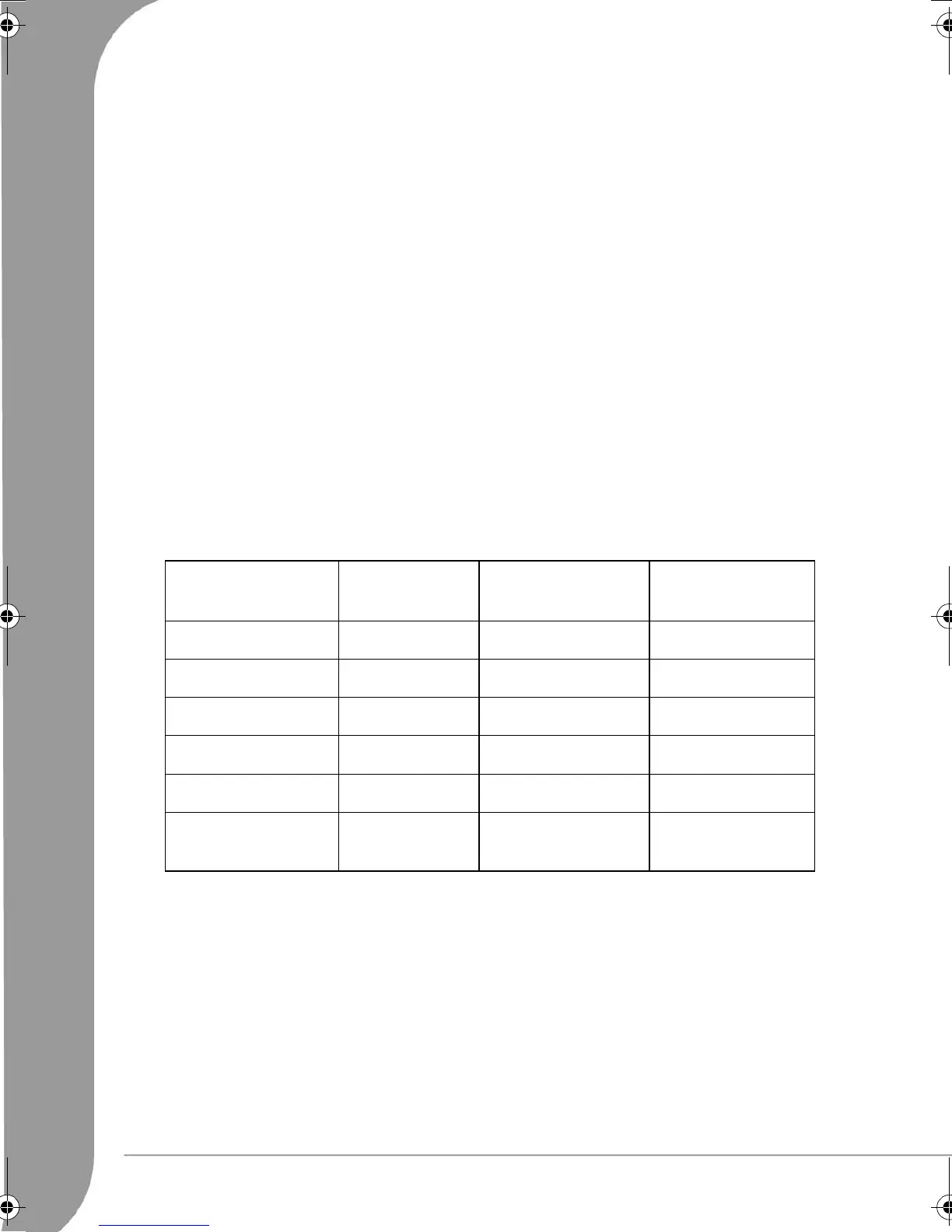
Recording quality
Seven different record qualities can be set for recording. Higher quality will consume more space on HDD or
DVD disc, reducing the overall time that may be recorded.
Note: Choose the record quality carefully to ensure that there will be enough space available for your recording
on the HDD or DVD. If the recording is too big to place on a DVD it can be divided into smaller parts, see the
Dubbing section for more information.
Record Quality Recording Time
(4.7GB, DVD)
Recording Time
(80GB, HDD)
Video Quality
HQ (High Quality) 1 hour Approx. 17 hours Best
SP (Standard Play) 2 hours Approx. 34 hours Very Good
SP+ (Standard Play) 3 hours Approx. 51 hours Good
EP (Extended Play) 4 hours Approx. 68 hours Normal
LP (Long Play) 5 hours Approx. 85 hours Moderate
SLP (Super Long
Play)
6 hours Approx. 102 hours Low
6977030000-EHR2080-UG.book Page 24 Wednesday, September 7, 2005 4:43 PM


 To Next Page
 Loading...