18
© Pacojet International AG 2022
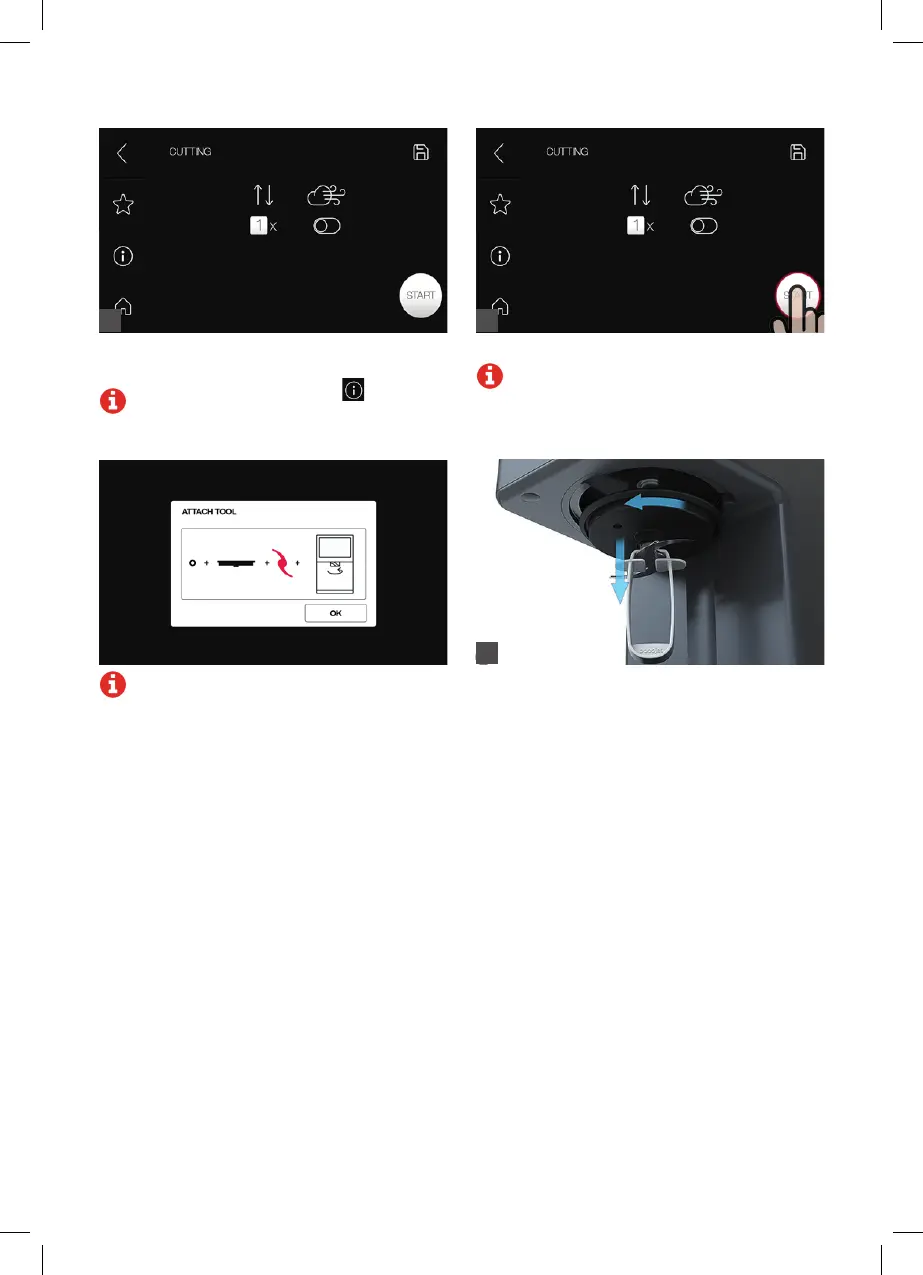
Set the number of repeats and whether to cut with
normal pressure or overpressure.
Note: The information symbol on the
touchscreen displays the steps required.
Press “Start” to start the cutting process.
Note: The processing operation can be
followed on the touchscreen.
5
Note: If the spray guard is not properly
attached or if a tool unsuitable for the cutting
process is used, an error message will
appear.
Remove the coupe set knife with the help of the
cutter tongs.
6
4



 To Next Page