User’s Manual
76
Search Example II
1 2 3 4 5 6
123456789012345678901234567890123456789012345678901234567890
Item Unit price Qty amount
==================================================
Coke | $ 2.20 | 1(s)
$ 2.20
Fanta | $ 2.20 | 1(s)
$ 2.20
Hotdog | $ 3.50 | 3(s)
$ 10.50
Pepsi | $ 1.95 | 1(s)
$ 1.95
==================================================
total : $ 16.85
Thank you~~
In the above text-in data, you can find that the comparison value is located at 17th (Unit price, $ mark will be ignored
automatically), 28
th
(Qty) and 40
th
(amount) characters (including spaces) from the left, but the value of amount
category is located on a different line from Item. In this case, you can enter “17”, “28” and “40” in each Column box
and enter “1” in the Line box for the next line.
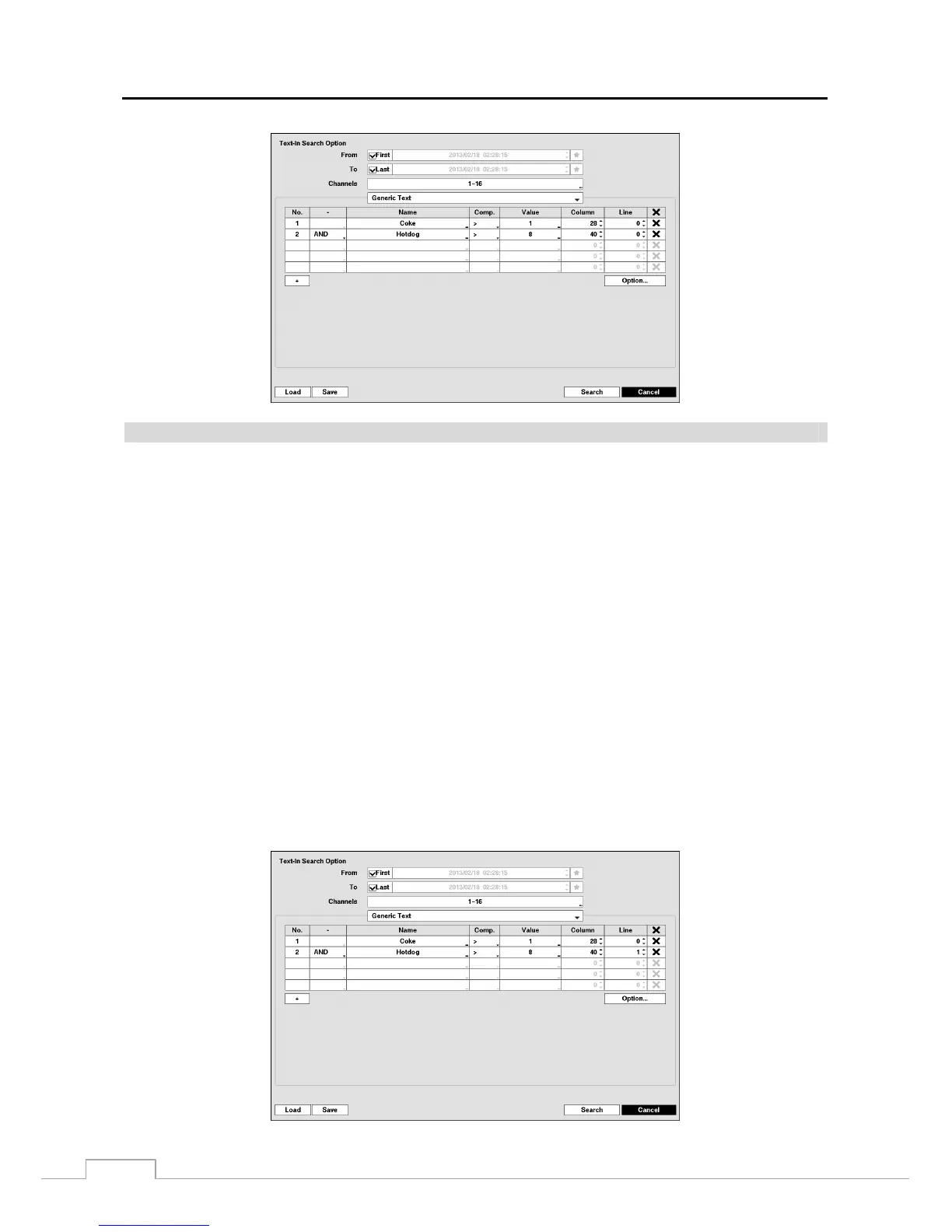
For example, if you want to search for Coke with a Qty (Quantity) of more than 1 and Hotdog with an amount totaling
over $8, the following search condition can be set.







 To Next Page