5Operation and settings
20 3577-en-us_V1.1_08/17
5.8.2 Storing limit values
Limit values that you need repeatedly can be stored in a file and loaded
when they are needed for a measurement.
To store limit values, proceed as follows:
1. Select the Notifications menu
2. Activate the limit value display by tapping Active Notification
3. Activate PM value
4. Enter limit values
5. Store the limit values in a file with save
6. Enter a file name
7. Save the file with OK
5.8.3 Loading limit values
You can load limit values from a file.
Proceed as follows to load the file:
1. Select the Notifications menu
2. load Tap this menu item
3. Select and open the file
ð The limit values are displayed when you start a measurement
5.8.4 Automatic notification upon exceeding the limit
value
Notification of exceeding the limit value
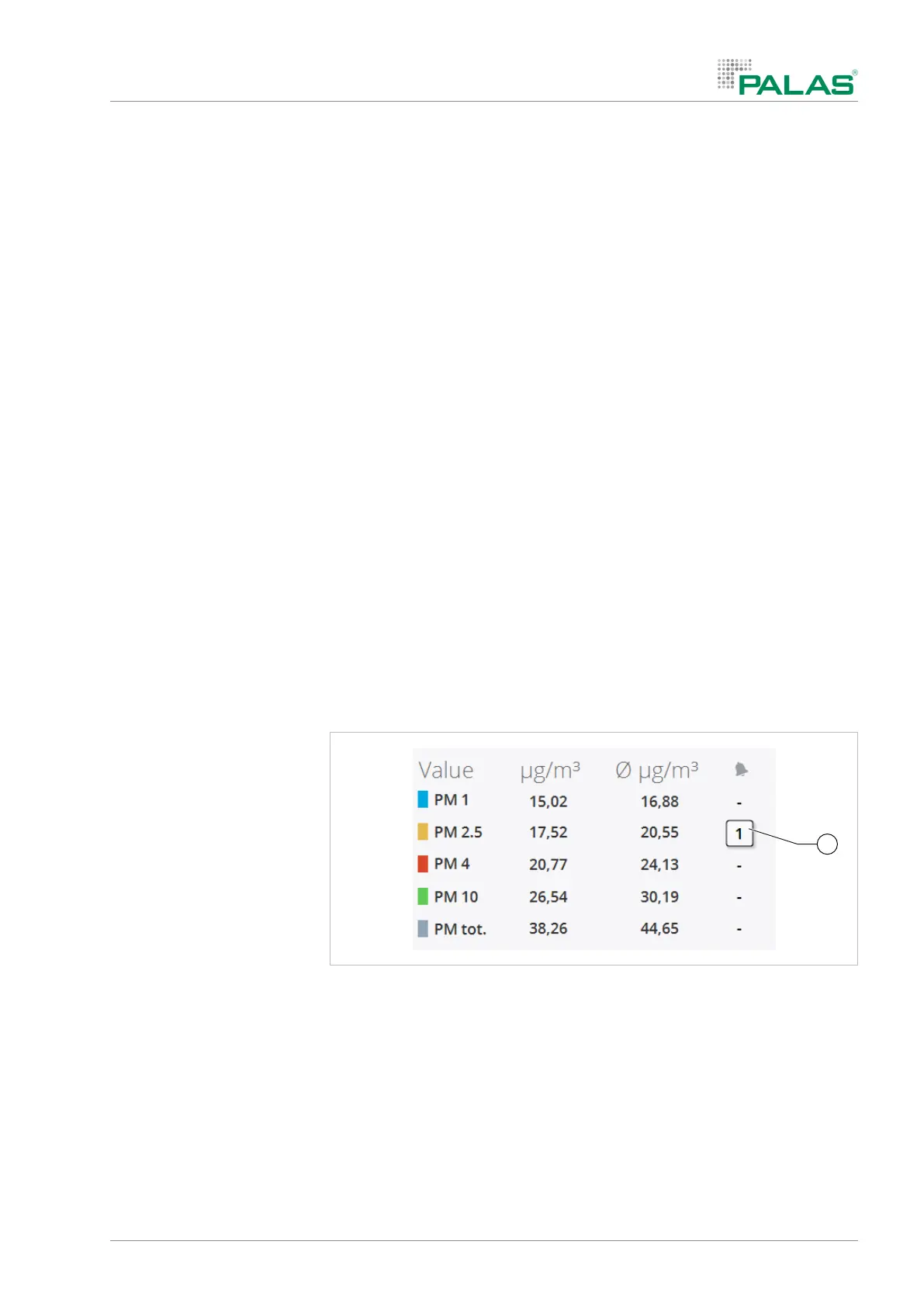
When the limit value is exceeded during the measurement, the system
stores the corresponding date and time. Exceeding the limit is indicated next
to the PM value. The number shows how many times the limit value was ex-
ceeded during the measurement.
5.8.5 Displaying the exceeding of limit values
After the system flags that a limit value has been exceeded, you can view
the detailed data.
4 Tap the symbol.


 To Next Page