Release the emergency cut-off button only in safe working conditions.
Capacity indicator
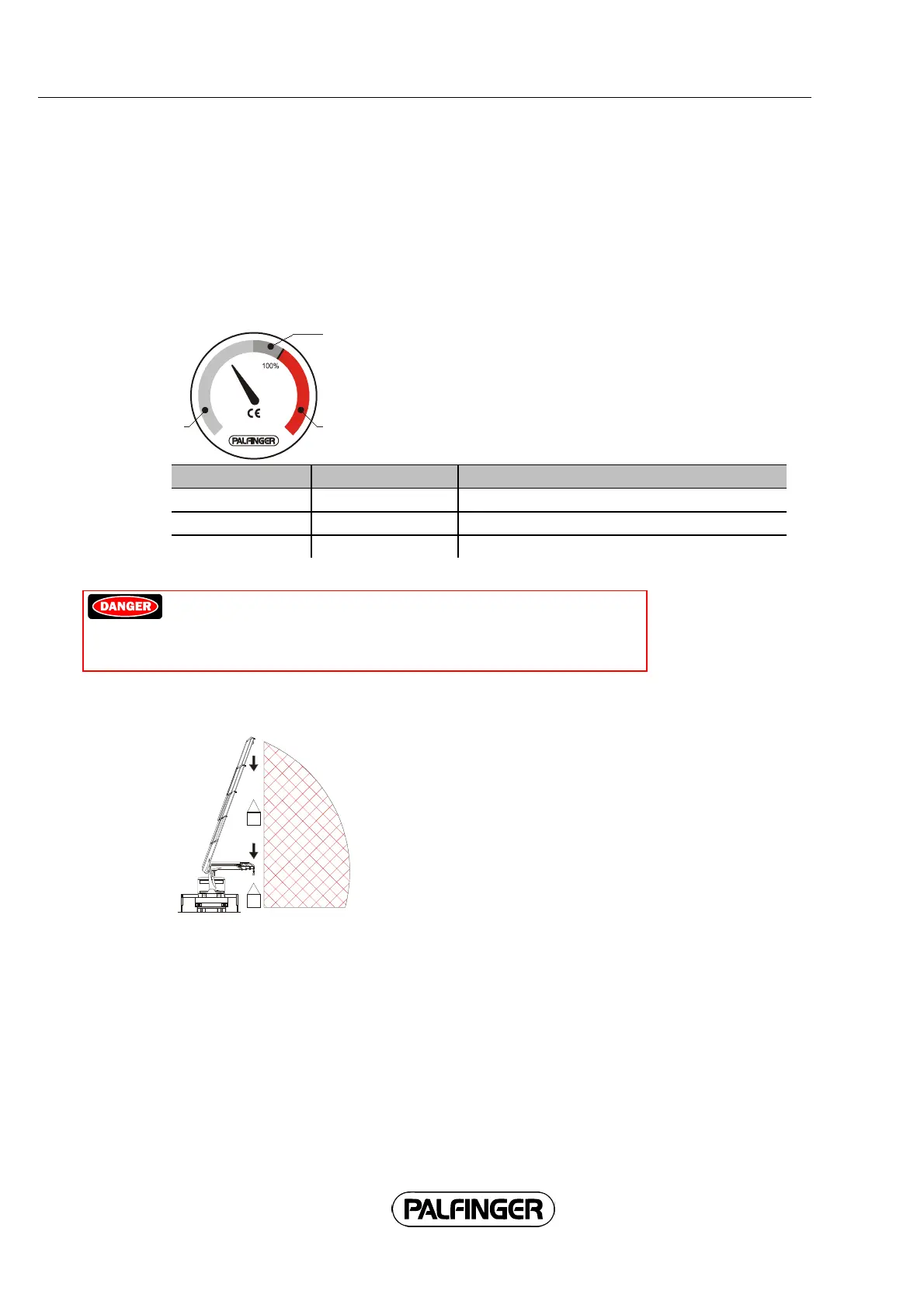
If the crane is equipped with a capacity indicator, it shows the current load status on a three-color
scale. The capacity indicator does not protect the crane from overloading.
Color Crane utilization
1 = green: Working range
2 = yellow: Limit range Lower operating speed.
3 = Red: Overload range Reduce load moment immediately.
Watch de capacity indicator while operating the crane.
Danger! If the load moment is not reduced immediately upon
reaching the overload range (example: retract extension booms) the
crane will be overloaded or become unstable. The load may sink
uncontrollably. This creates an acute risk of fatal injury.
It is prohibited to work in the red range.
While working in the limit range, do not increase the horizontal
reach any further when lowering the load.
42



 To Next Page