Note! Working at shorter outreach generally increases the crane
lifetime.
• Engage the parking brake.
• Air suspension axles must be inactive during crane operation.
• Engage the PTO at idle and then select correct engine speed.
• Only one person shall operate the crane at a time.
At ambient temperatures below freezing point
• Let the pump run for a few minutes before operating any crane function.
Additionally in remote control mode
Note!
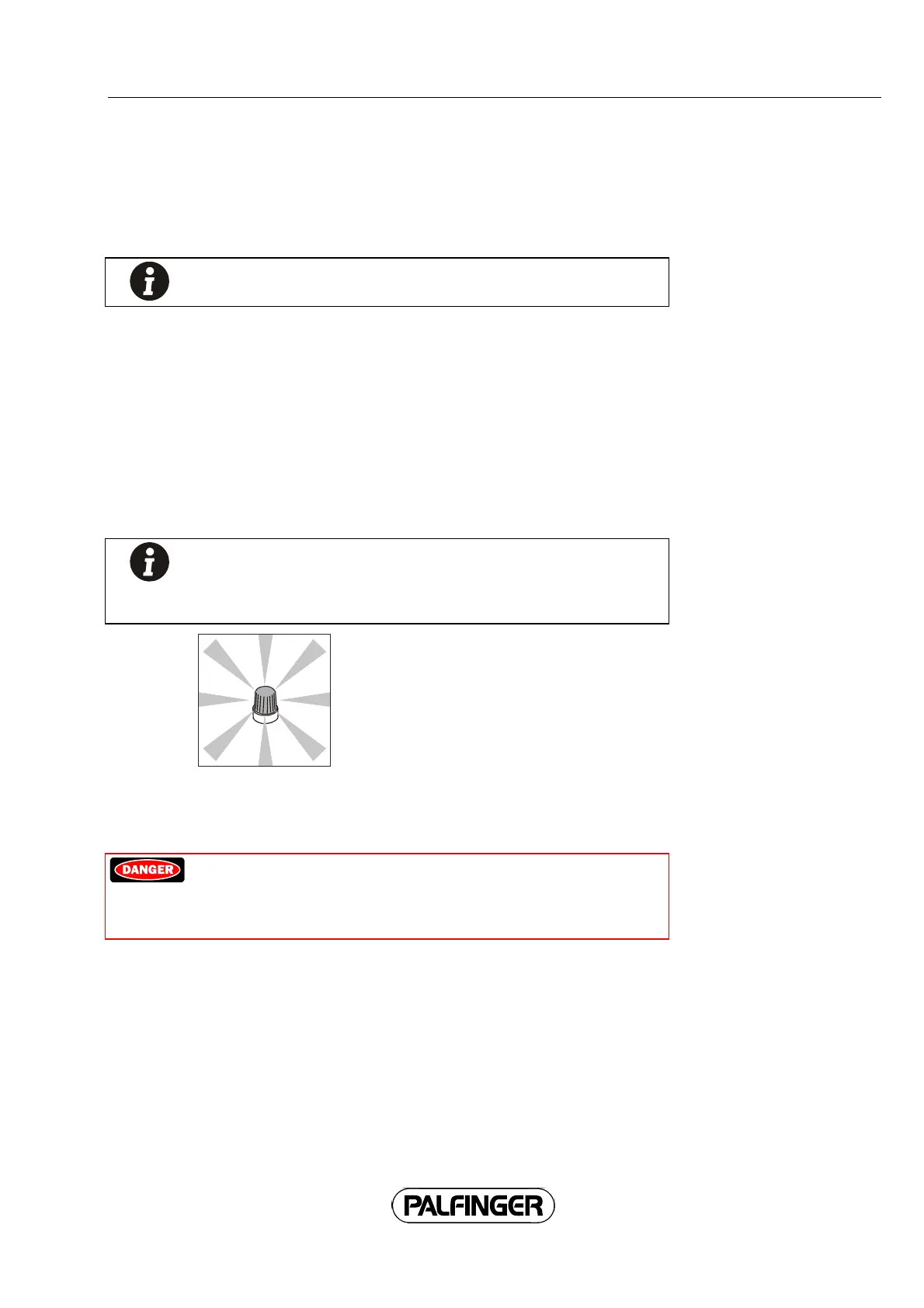
After having started up the crane the green flashing warning light
(see illustration) starts flashing. This indicates any third persons that
the crane may start to move any time.
Preparing for remote operation
Caution!
The radio remote control needs to be checked for any malfunctions
every time before starting to work, failure to do so may result in
severe risk of fatality for the operator and others.
Carefully check the wireless remote control system before starting work every day.
Check for:
• Self-return of the buttons.
• There are no missing or damaged components.
Any defects must be remedied before using the wireless remote control system.
Battery:
• Always handle batteries with care.
• Only start working with the crane with fully charged battery.
69



 To Next Page