YOUR EMAIL AND OTHER MESSAGES
MESSAGING
109
5
CHAPTER
4 Select Send.
Customizing your Messaging settings
1 Press Applications and select
Messaging.
2 Press Menu .
3 From the Options menu, select
Preferences.
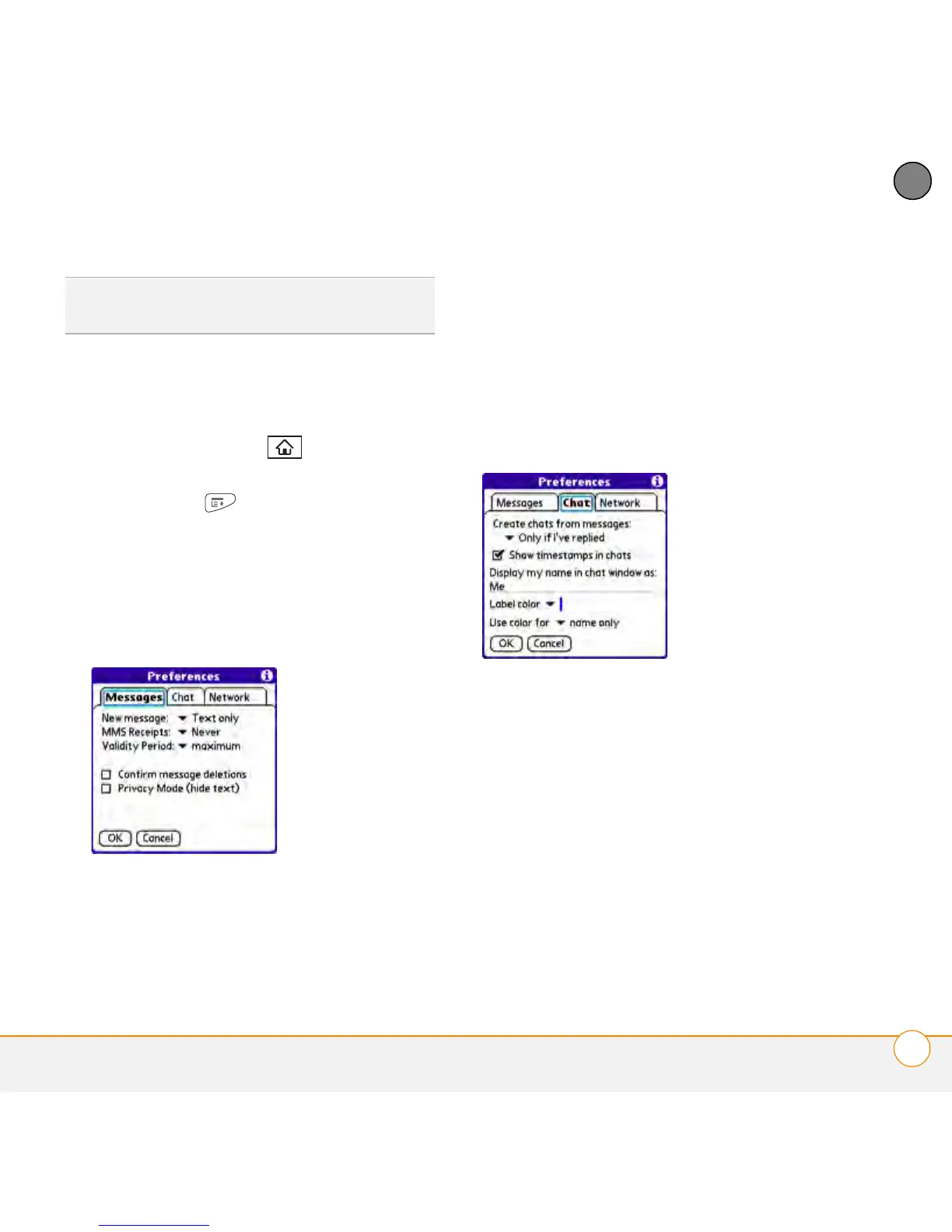
4 On the Messages tab, set any of the
following preferences for your individual
messages:
Confirm message deletions: Set
whether or not you want deletion
confirmation prompts to appear.
Privacy Mode (hide text): Set whether
you want the body text to appear in the
alert when you receive a new message,
or you want to hide the text and be
prompted to go to the message.
5 Select the Chat tab and set any of the
following preferences for chat sessions:
Create chats from messages: Set
when you want to group messages
from the same person into a chat.
Show timestamps in chats: Set
whether or not you want to see, next to
each message, the local date and time
the message was sent.
Display my name in chat window as:
Enter the name you want to use as the
label for your messages in Chat View.
TIP
Pale gray text indicates that a message is
pending or en route.



 To Next Page