YOUR EMAIL AND OTHER MESSAGES
MESSAGING
110
5
CHAPTER
Label color: Select a color to
differentiate your messages from the
sender’s messages while in Chat View.
Use color for: Set whether you want
both your name and message text in
the selected label color, or only your
name.
6 Select OK.
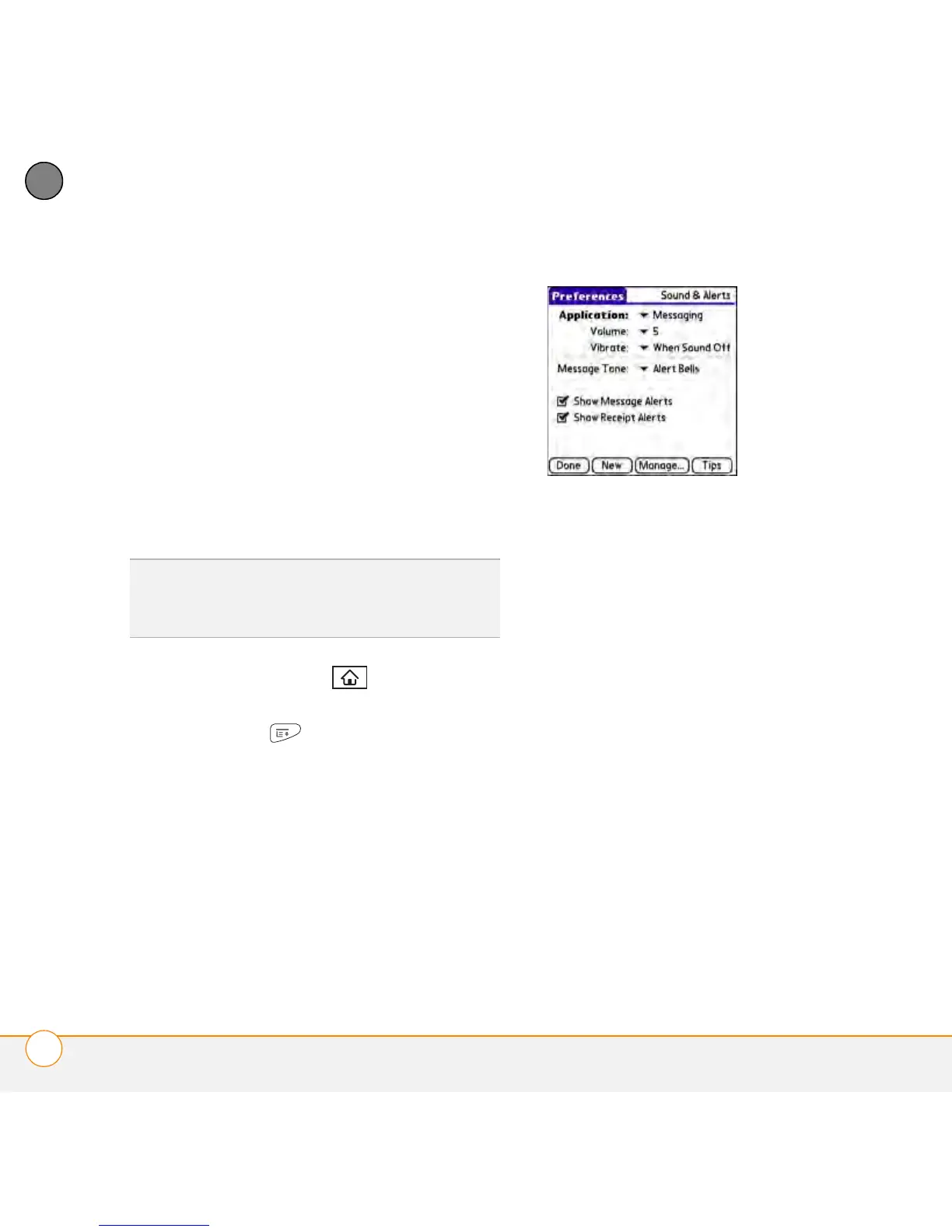
Selecting Messaging alert tones
1 Press Applications and select
Messaging.
2 Press Menu .
3 Select Options and then select Alerts.
4 Select the Application pick list and
select Messaging.
5 Select the Volume pick list and select
the volume level.
6 Select the Vibrate pick list and select
when you want your smartphone to
vibrate.
7 Select the Message Tone pick list and
select a tone for incoming message
alerts.
8 Check the boxes if you want to see
onscreen alerts when a new message
arrives and when a message you sent is
received.
9 Select Done.
DID
YOU
KNOW
?
Your smartphone includes a
silent alert that can vibrate even when the
Ringer switch is set to Sound Off.



 To Next Page