YOUR CONNECTIONS TO THE WEB AND WIRELESS DEVICES
WEB BROWSER
117
6
CHAPTER
you to open your favorite web pages
quickly. Note that a bookmark is different
from a saved page and different from a
favorite (see Deleting a favorite button
).
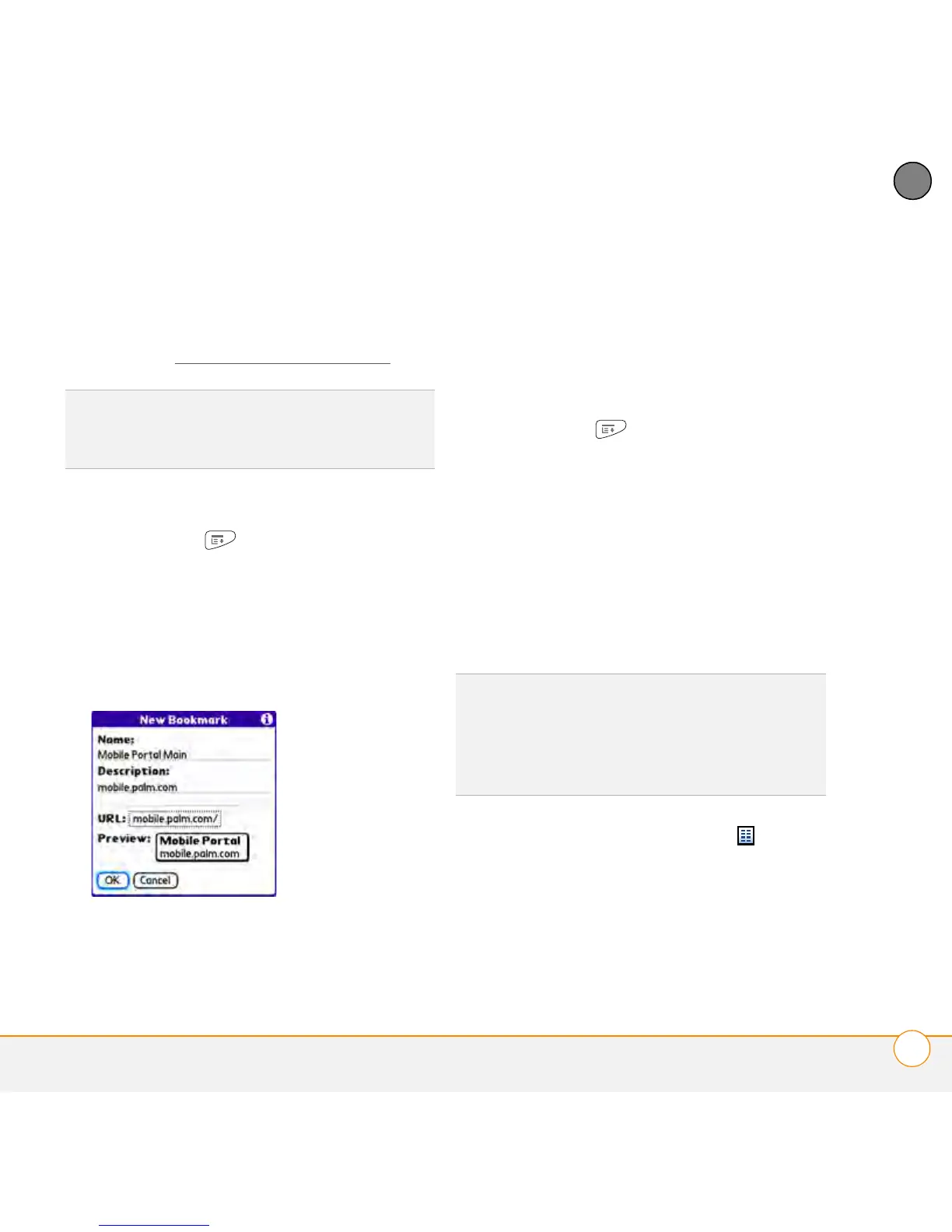
1 Go to the page you want to bookmark.
2 Press Menu .
3 Select Add Bookmark from the Page
menu.
4 Change the entries in the Name and
Description fields.
5 Select OK and then select OK again.
Saving a page
You can use the web browser to save a
page for offline viewing, so you don’t need
a wireless connection to view it later.
1 Go to the page you want to save.
2 Press Menu .
3 Select Save Page from the Page menu.
4 Select OK and then select OK again.
Viewing bookmarks or saved pages
Bookmarks and saved pages both appear in
Bookmarks View. Saved pages are
indicated by a small triangle in the
upper-right corner of the bookmark.
1 Select the Bookmarks View icon in
the web page toolbar.
2 Select the bookmark or saved page you
want to view.
DID
YOU
KNOW
?
The predefined bookmarks
take you to pages that are optimized for your
smartphone.
DID
YOU
KNOW
?
You can make Bookmarks
View the default view when you open the
browser. Open the Options menu and select
Preferences. Select the Start With pick list
and select Bookmarks.



 To Next Page