YOUR PHOTOS, VIDEOS, AND MUSIC
PICTURES & VIDEOS
139
7
CHAPTER
5 Press Center to return to the
previous view.
Creating a new album
You can create albums to organize your
pictures and videos.
1 From the Album list, select Create New
Album.
2 Enter a name for the new album.
3 From the pick list, select whether you
want to create the album on your device
or a microSD expansion card.
4 Select OK.
Sending pictures or videos
You can send pictures or videos to an
email address or to other devices that
support picture and video messaging.
1 From the Album list, select the album
that contains the picture(s) or video(s)
you want to send.
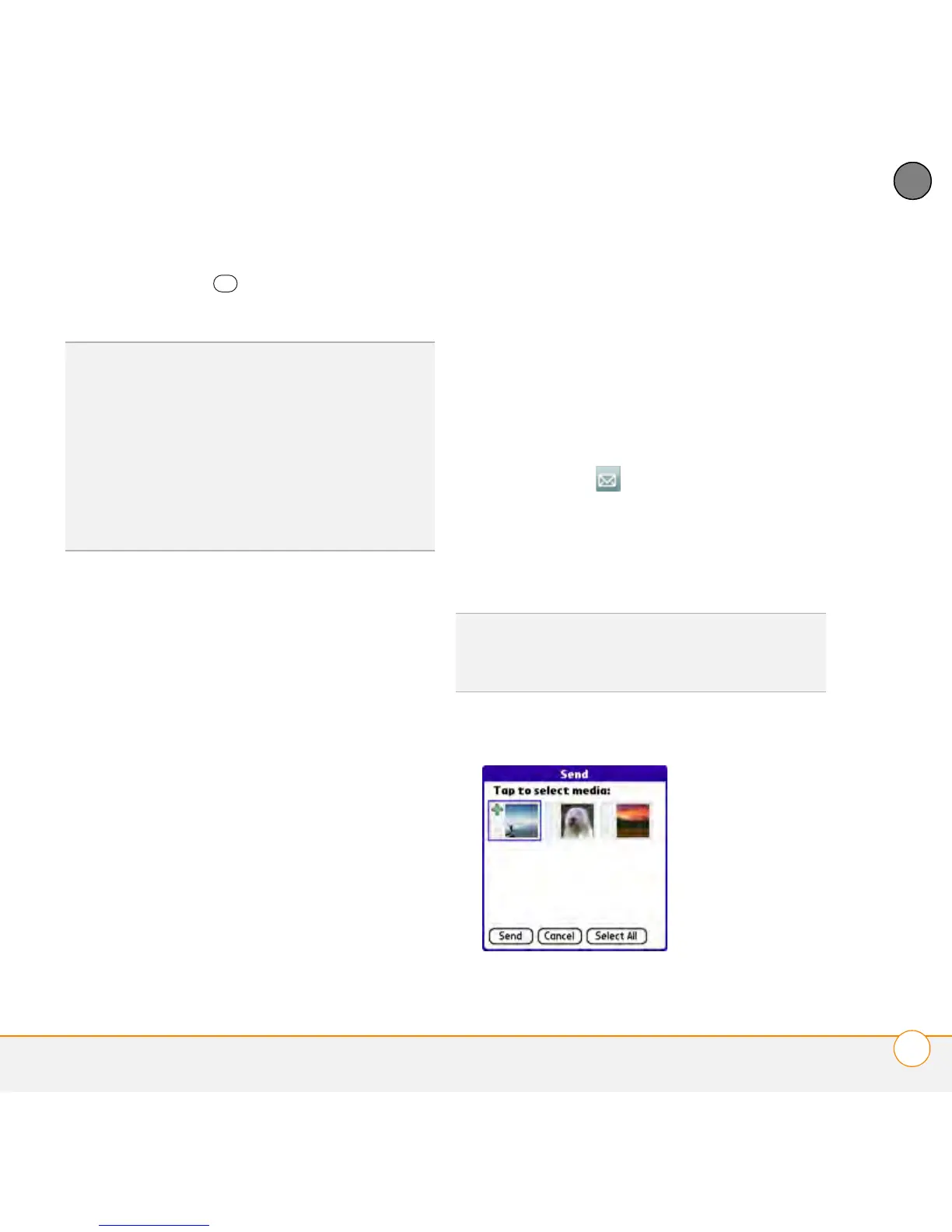
2 Select Send .
3 Select the pictures or videos to send, or
select Select All to send the entire
album. (A plus sign [+] appears next to
selected items.)
4 Select Send.
TIP
To set slide show options such as
background music and transitions, open the
Album menu and select Slideshow Setting.
Keep in mind that background music overrides
audio captions when you’re running a slide
show. Background music for a slide show also
overrides any music that might be playing
using the Pocket Tunes™ application on your
smartphone.
DID
YOU
KNOW
?
You cannot send copyrighted
pictures or videos that appear with a Lock icon
in Thumbnail View or in the Picture list.



 To Next Page