LifeDrive from palmOne 107
CHAPTER 8 Your Wireless Connection
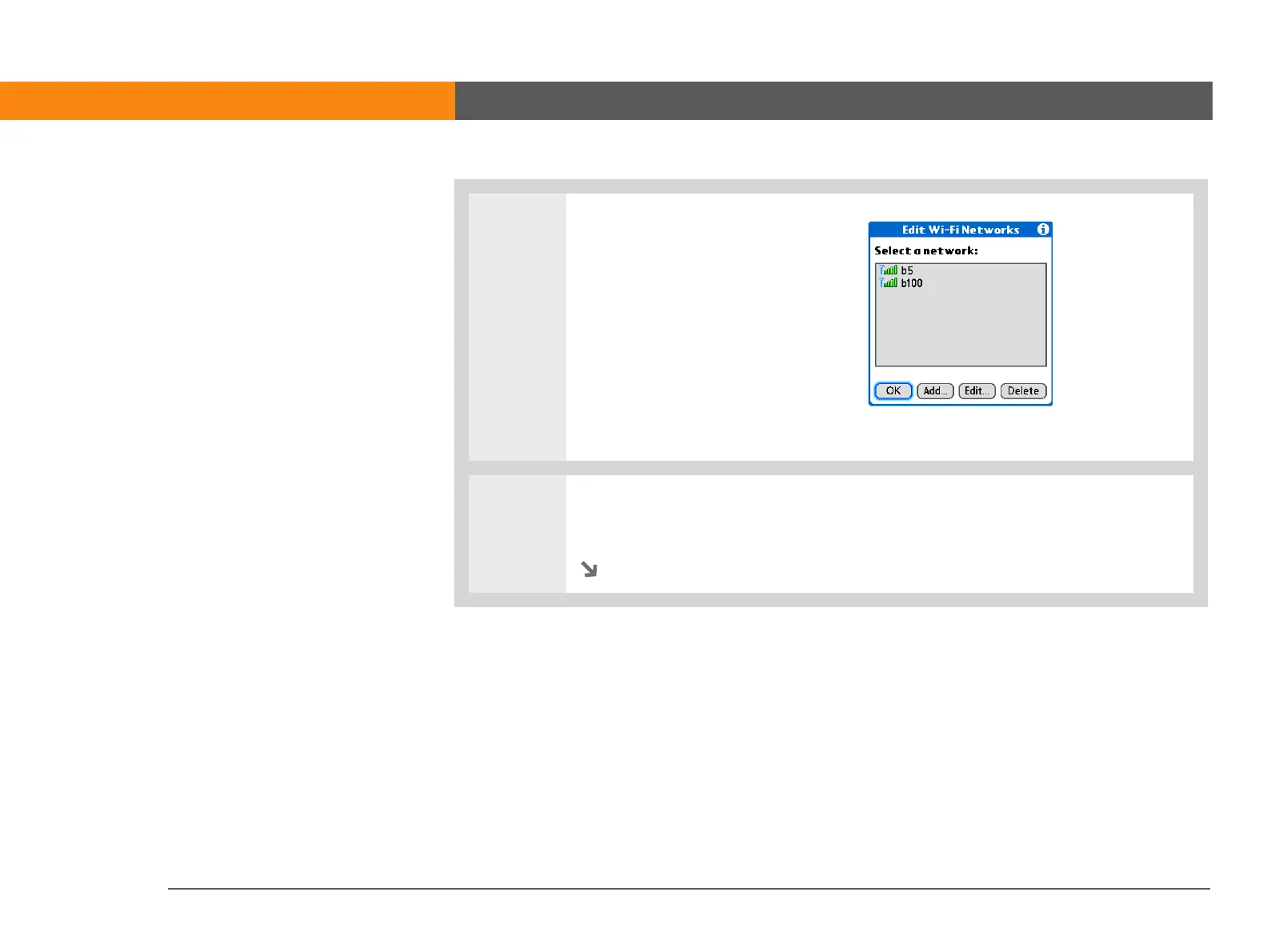
4 Add or edit a network:
• If the network appears on the
list, select the network and
then select Edit to add
encryption key information.
• If the network does not appear
on the list, select Add. The
network may be hidden for
security purposes and not
appear on the list.
5 Add the network name or SSID if it does not appear. An SSID is required for
hidden networks.
Continued



 To Next Page