LifeDrive from palmOne 108
CHAPTER 8 Your Wireless Connection
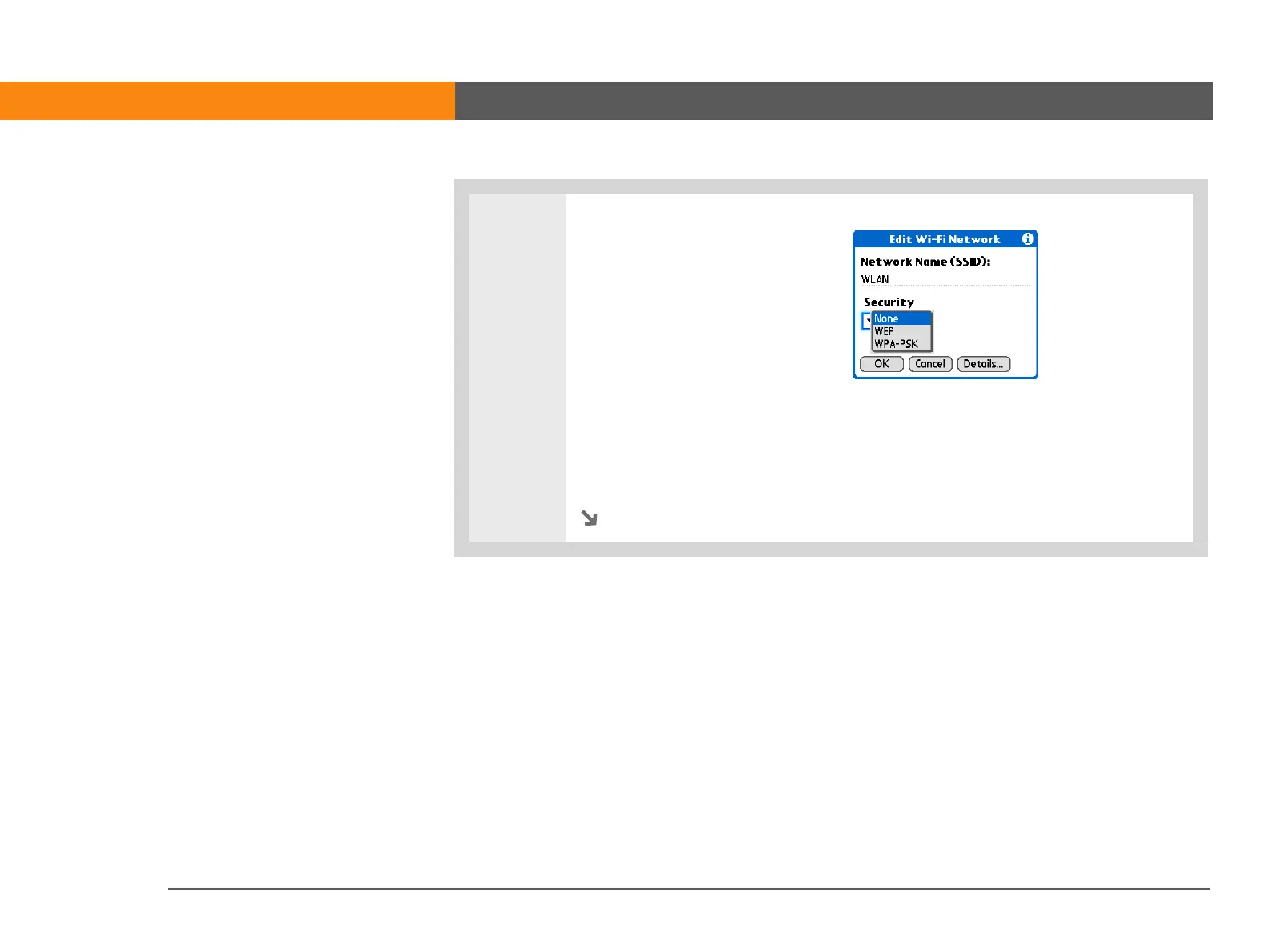
6 Select a security option:
• If your network does not
require any encryption
settings, select None and go to
step 9.
• If your network requires WEP
encryption, select WEP and go
to step 7.
• If your network requires WPA-
PSK encryption, select WPA-
PSK and go to step 8.
Continued



 To Next Page